
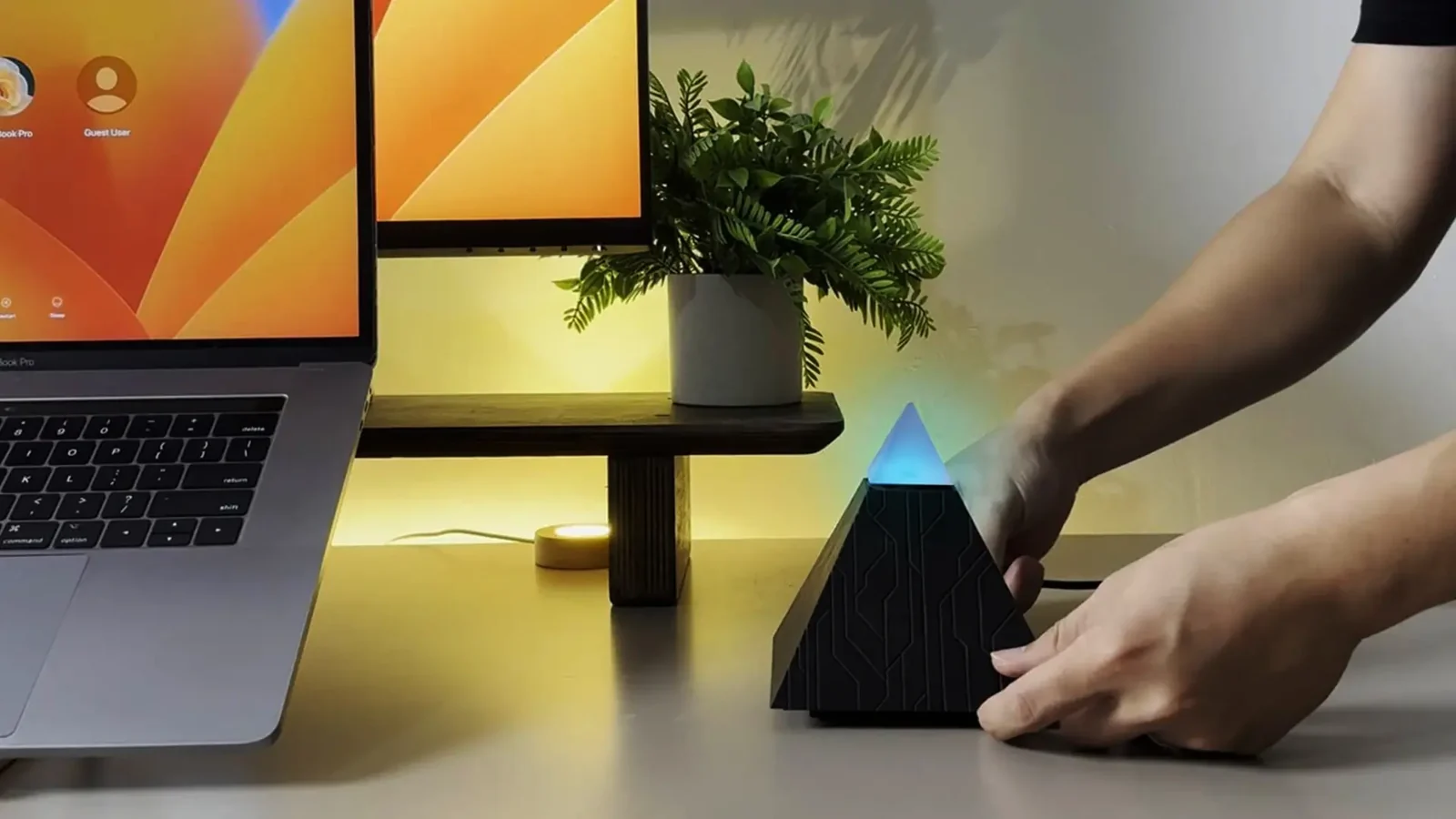
How to use the lamp
Ask the lamp how to do something with it, or what it can do, and it answers in a sentence or three, in your language, from its own product notes (knowledge.md): what it can do, linking Gmail or Google Calendar in the app (and that Spotify isn't there yet), its button, touch and privacy switch, its lights, reminders, the short nudges and quiet focus, guard mode, making or installing a skill, updates, unplugging, what it keeps and forgets, and who made it and where it's sold.
It only tells. It never turns anything on: it says where the setting is, or offers the skill that does it. It never asks for a password, a key or a code. It holds nothing about anyone, so it answers the same for whoever is at the lamp.
When a skill it speaks of is not on this lamp, or is off, it says so, since the lamp knows which of its skills are on. A feature behind a switch of another part it cannot see; there the notes say "if it's on for your lamp".
If the notes don't cover the question, it says it can't do that yet, or doesn't know, rather than guessing a button or a screen.
The notes are written from lampOS/docs/ and kept true to them: each
switch they name is checked against docs/switches.md, and each skill
against lampOS/skills/ (crates/skills/tests/it/faq.rs).