 benjitaylor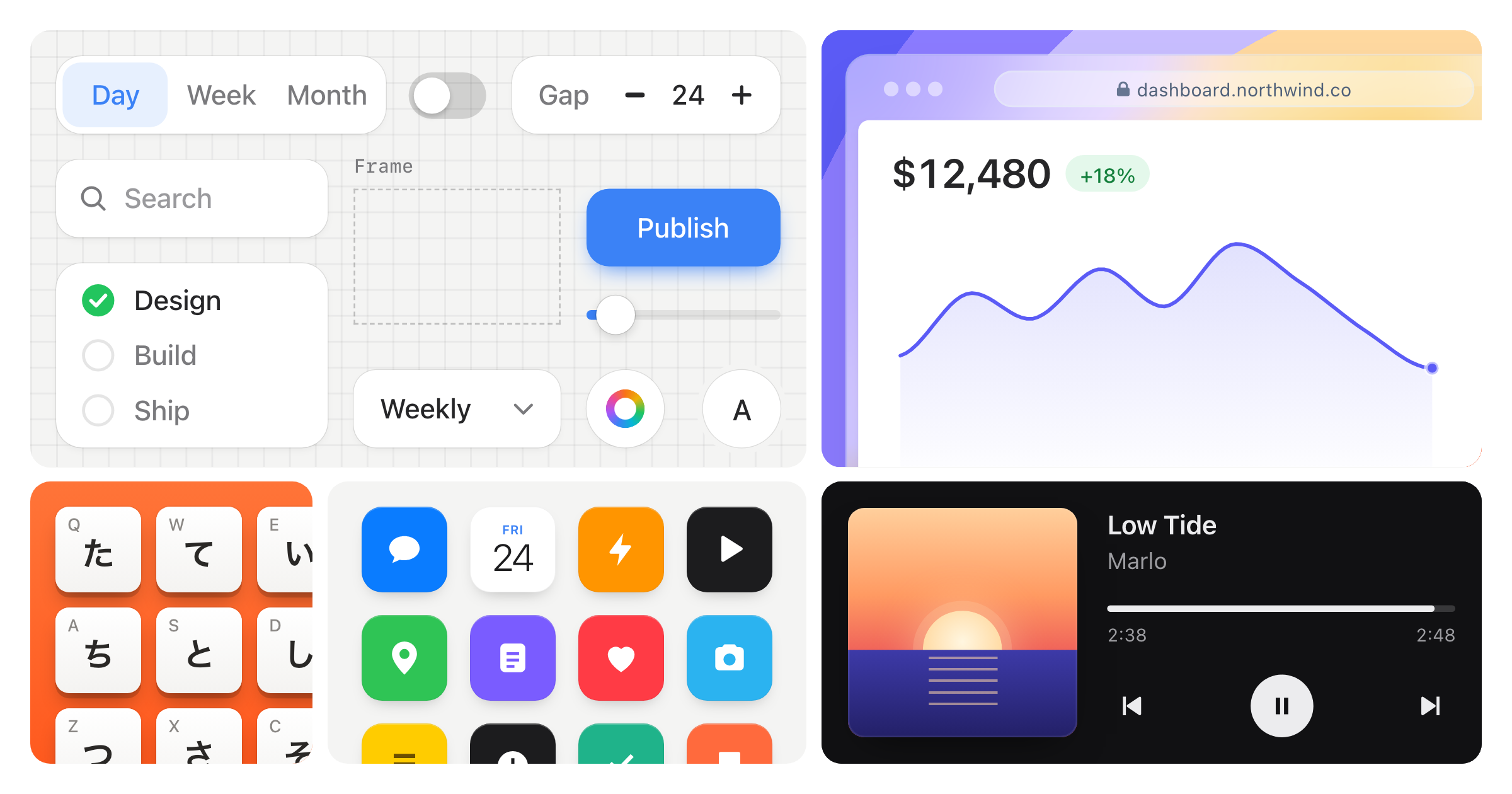
Stageshow
Miniature product UI: a believable interface, framed in its space, as one still or a short animation in which one thing happens. The viewer recognizes the screen and sees the thing happen.
The one idea
It reads as a real product, simplified to what the viewer needs, framed with intent, and every motion has a cause.
Five ways it fails:
- Too much. Real text in every row, numbers everywhere, everything packed. The more detail, the more it looks generated.
- Wireframe. Two gray blobs and a button. Built too small, or stripped of what made it recognizable.
- Boxed. A whole window shrunk into a card with even margins: a screenshot pasted in, not a product shot.
- Flat. Every object the same weight in the same bordered card. The eye has nowhere to land.
- Bland. A gray window with a cursor, whatever the brief said. The brief's look and energy (a blueprint, glass over color, a Dynamic Island, a mascot) are the point; take what it asks for and build it to the rules, as
examples/hero-demodoes with its typed popup and terminal satellite (a satellite is a smaller second object, a receipt, phone or detail card, straddling the hero's edge).
The fix: a full, structured screen in quiet grays, real words only on what the story is about, placeholder lines for the rest, room to breathe, a crop that puts the eye where the story is. Simplify the words, not the context. An empty corner, a void under a list, rows spread to fill a pane, a window floating on a plate (a backdrop or tinted field behind it): unfinished, not calm.
These are authored illustrations, not browser automation: a.click() draws the cursor pressing, a.set() changes the scene.
How hard to press
Build it the way a product designer builds a launch page they will be judged on. The gold examples in examples/ are the bar, not a reference: if yours is the emptier, flatter or smaller one beside the closest gold, that is the first fix. Then look at the frame the way the most exacting designer you know would, the one who screenshots the one wrong thing and sends it back with "what is this?": a dot off its avatar, a unit on its own line, a grabber under the island, copy touching a card. If you can picture that screenshot, you have found the next fix.
Workflow
Most of the quality is decided before any code. Write the plan first: where it sits, the focal object, the action, the payoff, what can be left out.
- Medium and place. Still or animation (loop, once in view, or hover). The page, its ground, its width. Design at the size it will be seen, about 720 × 340 for a hero beside copy (
hero-demo), 900 to 1100 wide for a full-width hero (linear), 400 × 300 for a card, shown at 1:1; never under about 320 wide for a demo, though a bento tile or a satellite card may be smaller. Every demo that can sit in a phone column ships acompactdesign at the column's width (358), a redesign not a squeeze (references/framing.md, Small formats and the page). A grid of tiles is one set: plan it withreferences/bento.md. - Look. With the product's code or site at hand, map its tokens to the kit's (
references/looks.md); if the developer asks for their own components, use them inside the stage instead of the kit's small parts. Otherwise a theme (light, dark, blueprint, glass), a palette (accent, mono) and a fidelity:minimalis all bars,standardis words where they carry meaning and bars elsewhere,realisticis real content everywhere. Default light, accent, standard; go realistic at hero scale, for a named real product, or a still whose subject is a list or page. Write filler once withText fillerand the fidelity decides. The product's own icons, its real chrome, the content that makes it recognizable. A brief with a style (kawaii, paper, a poster color) gets that style in full, still built to these rules. - The story. Its shape (
references/motion.md, Story): how it feels to use, a flow, or what the system does. Three to five beats and a payoff, 10 to 16 seconds. No cursor move you can't explain. Data never rewinds in view without a cause. Between a richer story and a calmer frame, choose the frame. - Start from an example. Find the closest gold example (the Gold table below) and film it (
node scripts/film.mjs "<preview>/?capture=<gold>" --select '#example' --still --out gold.png;npm run devserves the preview). Copy its folder into your project as the starting point; don't rewrite it from a glance. The quickest loop: copy it toexamples/<yours>/here, where the preview picks it up and?capture=<yours>films it, then move it into the host when it passes and fix its kit import path. Keep its structure: the stage size, the crop and bleed, row and type sizes, spacing, the script's beats, the kit parts. Now readreferences/craft.mdin full: it is short, and it holds the still-frame rules the gold can't show you, the cases your gold doesn't happen to contain. Then replace its look and content with the brief's product: the tokens from step 2, the product's own icons, chrome and words. A copy that only changes the name is not done: it should read as the brief's product, not the gold's. If no gold tells your story, choose in two parts: the layout first (pick it from the table inreferences/framing.md; each layout names its example), and copy that example even though its story differs; then borrow the motion for your beats from the example whose story is closest, and build what neither has in the same style. Then frame it: crop to the panel the story happens in, judged in the final visible crop (references/framing.mdhas the rules and the layout table). The short form: one gutter, a full one or well past; only filler bleeds; what opens stays in; windows keep their shape; the page is the ground, so no plate under a hero on a white or dark page and no window whole with air on four sides;unframedonly when the developer asks; no dead corners. Film one still at both widths beside the gold's; if yours is emptier, flatter or more boxed, fix the frame before any motion. - The screen. Count the real strings, usually 3 to 7 (
references/craft.md, Restraint): a budget for words, not elements. Build with the kit's tokens,Bar,TextandRow. Fit every control's text before it moves. Mark what the cursor touches withdata-targetanddata-cursor; measure withrect(), never hard-code. - Choreograph. The
ActAPI. Keep what appears mounted and toggle it so exits animate (BubbleandFlyhand off explicitly). Animate the relationship, not just the object: a new row carries the rows below it, a surface that resizes never stretches its text. Beats overlap, groups stagger, the payoff holds, the loop ends where it began or resets with a visible cause. - Rehearse. Set
posterfirst: most people see only that frame (a thumbnail, reduced motion, a screenshot), so it is the beat that tells the story on its own, never one caught mid-change, with the result left on screen rather than tidied away (references/motion.md, Story). Then film the loop, not just a still: the contact sheet at the shown width and at 390, and step through every press, menu, morph and the loop seam (references/rehearse.md). A still can't show a pop. Read every frame, fix the largest visible fault first (framing, then hierarchy, then motion, then polish), re-film. Then hold it next to the closest gold and answer the whole-composition and style pairs inreferences/teaching.mdas questions about your still (what does the eye land on first, and is it the result? is one window, tile or device clearly leading?); any no is the largest fault.film.mjs --gateendingrehearsal passedis necessary, not sufficient. Then run the last pass inreferences/rehearse.md: a fresh-eye review (references/review.md) andREHEARSAL.mdbeside the component (template inreferences/verify.md, Hand over): the gold you copied, what you changed, what you did not check.
Faults that come back every round, each with its rule; check them before handing over:
- Content that swaps instead of moving (
references/motion.md, Changing text and values). - Gray bars where the eye lands; filler belongs at the edges (
references/craft.md, Restraint). - A plate behind the window, or a window floating with air on four sides; the window or phone fills at least two thirds of the stage and runs off an edge (
references/framing.md, rule 5 and Small formats and the page). - Empty bands, cut controls and shadows (
references/craft.md, Restraint;references/framing.md, rule 4). - Stock AI and made-up logos: sparkles, purple, a letter in a colored square (
references/craft.md, Icons and logos). - Busy rows and uneven insets (
references/craft.md, Restraint and Spacing and alignment). - Long holds and a reset with no cause (
references/motion.md, Loops). - A selection that isn't under the I-beam (
references/motion.md, Drags and selection). - A status bar or home indicator drawn by hand; the Phone draws both (
references/craft.md, Chrome and devices). - A centered amount centered with its sign (
references/craft.md, Spacing and alignment).
Examples
Film the closest one before you start (step 4). The gold examples are the quality bar; product studies are for borrowing an interaction, never another product's identity; specimen sheets are catalogs, not compositions. Run everything with npm install and npm run dev. teaching/ holds bad/good pairs (references/teaching.md) for diagnosing a problem; the bad halves are never starting points.
Gold
| Need | Example | What to learn |
|---|---|---|
| Still or feature card | static-card |
Quiet hierarchy, a hard crop, one satellite, real words only on the selected customer, its neighbors and the total |
| Dark still | dark-bento |
One signal said once; album art keeps it a music app |
| Animated hero, a gesture | hero-demo |
Five beats, named targets, an annotation, a terminal coming forward |
| Choreography, no cursor | payout-flow |
Slow overlapping arrivals, reading time, a payoff that holds |
| Content changing in place | choreography |
Retained tracks, soft masks, dependent timing |
| AI answer | ai-chat |
The question sent, Thinking, the answer streaming in with its height, sources last; no sparkles, no purple |
| AI with cards | ai-cards |
A multiple-choice card answered and kept as the record, a card of options opening in the thread, booked from its own button |
| Form validation | form-error |
An error on the field that caused it, cleared by fixing it, then the button confirms on itself |
| Drag to reorder | reorder |
A row lifted by its grip, the others making room, dropped into place |
| Chart scrub | chart-scrub |
A hairline and dot that follow the pointer, the headline value rolling to the day under it |
| Edit in a table | table-edit |
A cell edited in place, then the total it feeds rolls a beat later |
| Loading to content | loading |
A skeleton at the content's own geometry, rows resolving top to bottom, real chrome throughout |
| Dark hero | dark-hero |
Depth from surface steps on black, one lit color, a status that changes on its own pill |
| Live collaborators | presence |
Each person one color everywhere, names riding their cursors, work shown in the doc's own marks |
| System story | subscriptions |
A chip flies into a row, MRR rolls, a second scene is the reset |
| Close-up | close-up |
One control at 1.4x with its window's chrome, the row whole, a large cursor to match |
| Many of one | many-of-one |
A grid of one thing off every edge, one tile in focus by depth, the only one with words |
| Fade crop | fade-crop |
A window fading out at its foot, over filler, instead of running off an edge |
| Panel over product | panel-annotation |
A settings panel over the product's margin, one leader from the setting to what it changed |
| Overlapping windows | overlap |
A card in front of a window, its edge on the window's sidebar line |
| Stacked cards | stacked-cards |
Two components at one width, a small gap, the lower one off the bottom |
| Opposite corners | opposite-corners |
A bento tile: copy bottom-left, the product hung from the top-right corner |
| Tilted stack | tilted-stack |
A loose pile of paper, small alternating angles, only the top card has words |
| Corner chip | corner-chip |
A small chip centered on a window's corner, half outside |
| Monochrome | monochrome |
Other companies' products in a row, grayscale, faded at the foot |
| Row of windows | window-row |
Sessions side by side at one height: focus by depth, neighbors cut by the stage, only filler cropped |
| Window and phone | device-pair |
A dashboard and a lock screen telling one event; the phone straddles over margin, never over the figure |
| Related objects | story |
An invoice, a plan, a connector, rolling totals |
| Calendar drag | calendar |
A populated week, one focal event, a measured pickup |
| Free dragging | freeform-drag |
Grab offset, a measured grid, a drop slot that snaps |
| Phone app | phone-touch |
A card opens into its screen as one object, and the loop folds back |
| Dynamic Island | dynamic-island |
One black shape, its content a separate layer |
| Messages | messages |
Composer, typing, receipts, a bubble's lifetime |
| Cursors | cursors, cursor-morph, cursor-resize |
Five styles, element-driven kinds, resize edges and corners, no cursor at all |
| Annotations | annotations |
Leaders, dimensions, flows and a moving target; references/annotations.md |
| Feature grid | bento |
One hero, one window, a stat, an object, a diagram |
| Dark ruled grid | ruled-bento |
Shared rules and technical imagery |
| Consumer grid | staggered-bento |
Offset tiles, graphic art, physical objects |
| Image-led hero grid | hero-grid |
Different grounds and materials composed as one picture |
| Upload | upload |
A file dragged in from the desktop, an upload row with progress that settles as a file row |
| Share | share |
A share popover over a document: an email becomes a chip, a role menu, a person added to the list |
| Swipe | swipe |
A phone swipe to archive: press, swipe, a throw at the finger's speed, the gap closes |
Product studies
Recognizable products (Figma, Linear, Slack, Raycast, Finder, Spotify, Notion, Gmail, Google's apps, Office, Wikipedia, Telegram, iMessage): read references/products.md first. Borrow the interaction, not another product's identity.
| Need | Example | What to learn |
|---|---|---|
| Design tool | figma |
Canvas selection, a color picker, a second cursor |
| Issue tracker | linear |
Command menu and assignment |
| Chat | slack |
Messages, a reaction, a thread reply |
| Launcher | raycast |
Search and clipboard history over a blurred desktop |
| Files | finder, finder-glass |
Quick Look over a file list; a file moved into a folder; the same window in frosted glass |
| Music, dark | spotify |
A dark desktop app with album art |
| Docs and editors | notion, google-docs |
A slash command; a comment and its reply |
gmail |
Hover actions, archive, an undo toast | |
| Calendar, real app | google-calendar |
Drag to create an event, the quick-create popup |
| Office | powerpoint, excel |
Slide editing; AutoSum and a chart |
| Browser page | wikipedia |
Search suggestions in a browser |
| Phone conversations | telegram, imessage |
Native chat apps on an iPhone |
Specimen and reference sheets
Catalogs of parts and grounds, described in references/kit.md (Specimen sheets). Look up a part here; compose from a gold example.
| Need | Example | What to learn |
|---|---|---|
| Kit specimens | chrome, phones, controls, parts, kit-extras |
Every frame and part |
| Glass | glass |
Frosted surfaces over a color field |
| Backgrounds | backgrounds |
One interface over twenty grounds; references/backgrounds.md |
| Logos | brand-marks |
Real marks, optically sized, on light and dark; references/brands.md |
| A product's look | looks |
Type, shape and color working together |
The kit
Copy kit/ into the project and import from kit/index.ts. React, react-dom and lucide-react (for Icon, which Field and Chip use); each part brings its own CSS. It does the parts that are hard to get right by hand and leaves the product's look to you. references/kit.md has every part's props and rules; read the entries for the parts you use.
- The stage.
Stage: design size and scale-to-fit,compact, scene state, playback, the look, the cursor. The script gets anAct(set,wait,move,click,typeand the rest:references/kit.md, Act). - Frames.
Window,PhonewithLockScreenandNotification,Keyboard,ThreadwithBubble,Stamp,Receipt. Real geometry; never draw a window, device or bubble by hand. - Motion.
Collapse,Roll,Swap,Count,Connector,Fly,Follow,States,Stream,Popover,Scroll,Camera,Expand. They handle the frames a cold hand gets wrong. - Small parts.
Bar,Text,Row(every list is made of it),Avatar,Pin,Icon,Menu,Field,Segmented,Toggle,Tabs,Badge,Chip,BrandMark,Code,Chart. Quiet starting points; restyle to the product, never reshape a kit part's geometry from outside. stageshow.css: tokens, looks, edge fades, chrome, phones, keycaps.
The references
references/framing.md: the framing rules and the layout table. references/craft.md: the still frame (restraint, type, spacing, icons, color, chrome). references/motion.md: story, loops, pace, the cursor and drags. references/verify.md: the checklist with a you-see / you-do table. references/rehearse.md: how to film, and the film lines that are never intentional.