Using Git Worktrees

Use before non-trivial work on a default branch to isolate changes in a feature branch or dedicated git worktree.

DYAI2025 Updated 6 repo stars
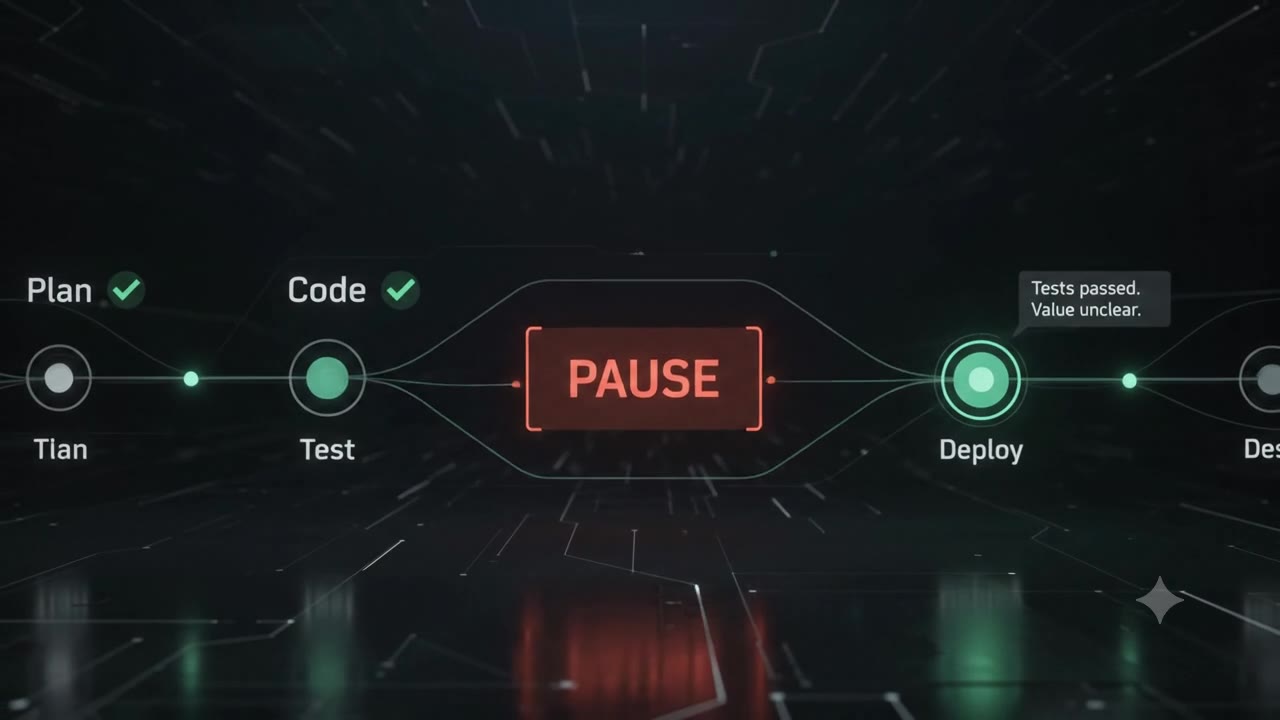
Plumbline — Plan → Code → Test → ⏸ pause → Deploy: catches the gap before shipping

File contents

Using Git Worktrees

Safe branch isolation

  1. Check git status --short and current branch.
  2. If on main or master, create a feature branch or worktree before edits.
  3. Never discard uncommitted user changes.
  4. Keep commits atomic and named after the task or requirement.

Common commands:

git switch -c feature/<slug>
# or
git worktree add ../<repo>-<slug> -b feature/<slug>

DYAI2025/Plumbline commit 9e9879adce

Frequently asked questions

npx get-skill add dyai2025/using-git-worktrees