
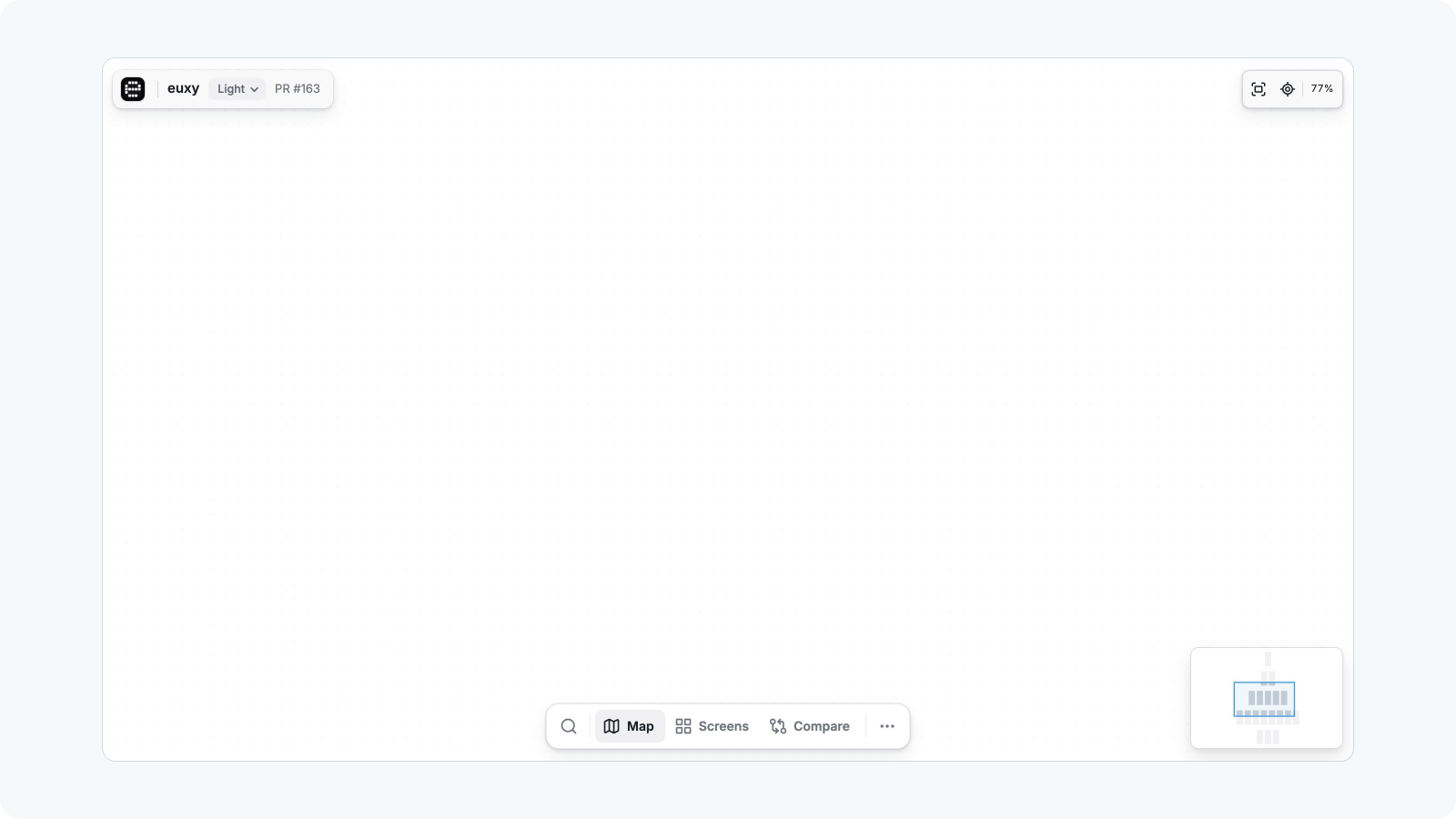
Explore a prebuilt app
One command, run from any directory:
npx @expo/explore explore:binary ./path/to/app.apk --json
Accepted inputs: Android .apk; iOS simulator builds as a .app directory, a .tar.gz/.tgz of one, or an .ipa that contains a simulator build. An iOS device .ipa and an Android .aab are rejected before any device starts (ARCHIVE_NOT_SIMULATOR, ARCHIVE_AAB_UNSUPPORTED); ask for a simulator build or a universal APK instead.
Platform, bundle id, app name and version are read from the archive; do not pass them unless Explore asks.
Before running
- Where it runs. By default on Expo Simulators, which needs an Expo Services login:
eas whoamisucceeds, orEXPO_TOKENis set. The session and the hosted report live under that account (--ownerpicks one when the login has several,--projectrenames the defaultexpo-exploreproject). Without Expo Simulators access, or without an Expo account, pass--simulator local: Explore creates a simulator (iOS, needs Xcode) or an emulator (Android, needs the Android SDK with platform-tools, cmdline-tools, the emulator and a system image for this Mac, andANDROID_HOME) and removes it afterwards. An APK must then ship native libraries for this Mac's ABI (arm64-v8aon Apple silicon); a universal one does. - A model: Explore tries
ANTHROPIC_API_KEY/OPENAI_API_KEYwhen set, then the localclaudelogin (Claude Code), then the localcodexlogin, and uses the first that passes a preflight request.--provideror--modellimits it to that one choice. If none passes, the run stops before a simulator is started. - Node 24.12 or newer.
What happens
- Archive inspection and compatibility checks (size, simulator build, emulator ABI, sha256).
eas simulator:startof an empty agent-device session (anargentone with--controller argent), verified by exact session id before use. With--simulator local: a new simulator or emulator on this Mac instead, with the app's URL schemes approved so its links open without a prompt.agent-device installof the archive straight into the session (Argent:reinstall-app; locallysimctl installoradb install), thenopen <bundle id>.- The model explores through a small tool set (observe, act, capture, finish); app text is treated as untrusted and destructive controls (delete, reset, sign out, purchase, send, share) are blocked outside the model.
- The map and screenshots are written under
--output(default./explore-<archive>-<timestamp>), plusreport/for the Viewer. - The report is deployed to Expo Hosting as files under the link's token (
--no-uploadskips this); the link lasts as long as the deployment. With--simulator localit opens in the local Viewer instead, which keeps running until stopped;--jsonand--no-openskip it, so with--jsonopen it afterwards withview --dir <output>(in the background, since it serves until stopped).--uploadhosts it, and that needs an Expo Services login. - The exact session is stopped, or the local device deleted; a failure to stop reports
SESSION_CLEANUP_FAILEDwith the command to stop it by hand. A local device a hard-stopped run left behind is removed by the next local run.
Budgets default to 15 minutes, 40 screens, 150 actions (--max-duration-minutes, --max-screens, --max-actions). Steer the model with --hints "focus on the onboarding and settings", skip onboarding with --launch-url myapp://home, and allow a specific risky control with --allow-destructive "Clear cache".
The same steps on every run: --replay
To compare runs, or an iPhone with an Android phone, screen for screen, pass --replay steps.json to explore:binary or explore:session: Explore takes the steps in the file instead of a model's, and no model access is needed. The format is in the README ("Take the same steps on every run and device"): { "steps": [{ "capture": "Home" }, { "action": "tap", "label": "Settings" }, { "capture": "Settings" }] }, with platforms to limit a step and optional for an action that may fail. The plan is checked before a device starts: unknown fields, a plan with no steps for the platform, more captures or actions than --max-screens / --max-actions, and a {{secret:NAME}} in a fill or type whose variable is not set are all refused (REPLAY_PLAN_INVALID, REPLAY_PLAN_EMPTY, REPLAY_PLAN_OVER_BUDGET, EXPLORATION_SECRET_MISSING). --provider, --model and --hints cannot be combined with it (REPLAY_OPTIONS_IGNORED).
Sign-in and other app state
Without help, the model treats a sign-in wall as the end of the road: it captures it and stops (blocked). Before running, read what you can about the app (its source if you have it, its first screens otherwise) and decide what it needs.
A test account. Ask the user for a test account, never a personal one, and never for the password in chat. Have them put the values in a file you do not commit or print, such as .env.explore (add it to .gitignore):
APP_TEST_EMAIL=explore-test@example.com
APP_TEST_PASSWORD=...
Then load it in the same command that runs Explore, and name each value in --hints as {{secret:NAME}}:
set -a && . ./.env.explore && set +a && npx @expo/explore explore:binary ./app.apk --json \
  --hints "Sign in with {{secret:APP_TEST_EMAIL}} and {{secret:APP_TEST_PASSWORD}}, then explore the signed-in app"
The model only ever sees the reference; Explore types the value into the field. The value is redacted from the map, the report and errors, and a frame that shows it (the filled-in form, or a profile screen that displays the email) is kept without a screenshot. So make only what is sensitive a secret: a dedicated test email can go in the hints as plain text, and then the account screen keeps its picture. A reference to a variable that is not set fails before a session starts (EXPLORATION_SECRET_MISSING); provider keys, EXPO_TOKEN and CI variables cannot be referenced.
When a sign-in cannot be typed (a one-time code, an email link, Sign in with Apple or Google, a captcha): sign in by hand on a session and use explore:session. Sign out is never tapped, so the run stays signed in.
Other state the hints can describe:
- Onboarding:
--launch-urlto a screen past it, or hints such as "skip the tour with Skip". - Screens that need data: a test account that already has it, and hints naming where it is ("open the first project").
- Permission prompts are denied. To explore what is behind one, allow it by hand on a session first, then
explore:session. - Purchases, deletes, sends and sign out are blocked.
--allow-destructive "Label"allows one control by label; a paywall needs an account that already has the entitlement. - A large app: raise the budgets (
--max-duration-minutes,--max-screens,--max-actions; see What happens) and use the hints to say what to cover first.
Already have a session? explore:session
When the app is already installed on an Expo Simulators session you started (for example after eas simulator:start --type agent-device --out-config-type dotenv, agent-device install ..., agent-device open ...; an --type argent session works the same way, with Argent's tools), skip intake and install:
npx @expo/explore explore:session                                       # session from ./.env.eas-simulator or EAS_SIMULATOR_SESSION_ID; explores the app in the foreground
npx @expo/explore explore:session <session-id> --env-file path/.env.eas-simulator --bundle-id dev.brent.euxy --json
The app is whatever is in the foreground, else the only user-installed app; pass --bundle-id when neither is clear (BUNDLE_ID_REQUIRED lists what is installed); --app-name/--app-version label the report. The session is checked with eas simulator:get (must be the controller type its connection names, agent-device or argent, in progress, and the same endpoint as the connection you passed; --controller must agree with it), your existing agent-device session on the device is reused, and the same model, budgets, hints and destructive-action flags apply. The map and report/ are written under --output and opened in the local Viewer (--port N); --no-open skips that and --upload hosts the report instead. The session is never stopped: the output ends with the eas simulator:stop --id ... command for when you are done.
An Expo project and no build: run it from source
When you are in an Expo project and were not given a build, do not make a release build. Run the project's JavaScript from this directory on an Expo Simulators session, then explore that session:
Choose what to install. If the project runs in Expo Go (no native code beyond the Expo SDK), use
--expo-go. Otherwise use the newest finished development build for the simulator: find theeas.jsonprofile withdevelopmentClient: trueandios.simulator: true, then runeas build:list --platform ios --build-profile <profile> --status finished --limit 1 --json --non-interactive. Only when there is none, build one witheas build --profile <profile> --platform ios. It can be reused afterwards.Start the dev server with a tunnel, so the simulator can reach it, on a free port. Run it in the background and leave out
CI=1, which turns off reloading. Tunnels need@expo/ngrok: when Expo asks for it, runnpm install -g @expo/ngrok@^4.1.0and start again.npx expo start --tunnel --port 8090Wait for
Tunnel ready. Expo does not print the tunnel's address when nothing is interactive; read it from the dev server:curl -s -H "expo-platform: ios" -H "accept: application/expo+json,application/json" http://localhost:8090 | jq -r .extra.expoClient.hostUriStart a session that opens the app on the tunnel. URL-encode
https://<host>into the development build's link:eas simulator:start --platform ios --type agent-device --build-id <id> \ --open-url "<scheme>://expo-development-client/?url=https%3A%2F%2F<host>" \ --out-config-type dotenv --non-interactiveWith Expo Go, pass
--expo-go --open-url "exp://<host>"instead. The app is ready when the dev server logsBundled.Explore it:
npx @expo/explore explore:session --bundle-id <bundle id> --upload --json. With Expo Go, add--app-nameand--app-versionfromapp.json, so the report is not titled "Expo Go".When the run is done, stop the session (
eas simulator:stop --id <session id>) and the dev server.
The report is of a development build, so expect it to be slower than a release build, with the development menu and any LogBox warnings that build shows.
Reading the result
With --json the last stdout line is the result:
{ "ok": true, "app": { "name": "euxy", "bundleId": "dev.brent.euxy", "platform": "ios", "version": "1.2.0" },
  "exploration": { "stopReason": "finished", "screens": 9, "observations": 11, "actions": 23, "summary": "..." },
  "map": ".../explore-euxy-.../map.json", "report": ".../explore-euxy-.../report", "url": "https://....expo.app/p/<token>", "expiresAt": null }
Share url (it is the only copy of the access token; it is not written to disk). Then query the map locally without a model or device:
npx @expo/explore screen:list --dir <output>
npx @expo/explore gap:list --dir <output>      # what the run could not reach and why
npx @expo/explore view --dir <output>          # local Viewer
stopReason other than finished: blocked (login wall, crash) comes with the reason in gap:list; budget-* means raise the budget or add --hints.
On a CiError JSON (ok: false), follow nextAction; the common ones are EXPO_LOGIN_REQUIRED, MODEL_AUTH_REQUIRED, ARCHIVE_*, APP_INSTALL_FAILED, SESSION_CLEANUP_FAILED.