Flash Display
Overview
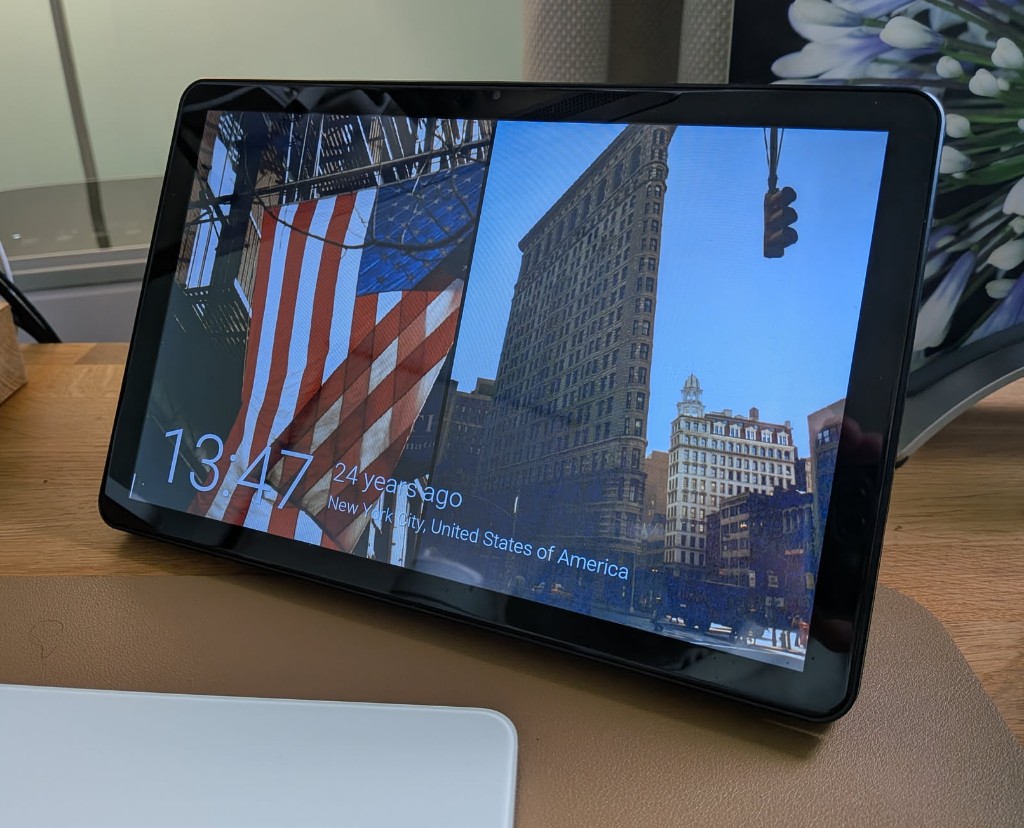
Use the local development ESPHome config to flash the Espframe display from this checkout. This repository has one supported device: the Guition ESP32-P4 JC8012P4A1 10.1-inch Espframe.
Flash over OTA by default using 192.168.6.106, unless the user supplies a different IP address. Flash over USB when the user explicitly asks for USB, local USB, serial, or gives a /dev/cu.* target.
Target
- Device: Guition ESP32-P4 JC8012P4A1 10.1-inch Espframe.
- ESPHome config directory:
devices/guition-esp32-p4-jc8012p4a1.
- Default YAML:
dev.yaml.
- Default OTA target:
192.168.6.106.
YAML Selection
Use dev.yaml by default. If the user names another YAML file, use that file instead.
- If the user explicitly says
dev, dev file, or dev.yaml, use dev.yaml.
- If the user gives a bare filename such as
esphome.yaml, resolve it inside the selected display's config directory.
- If the user gives a repo-relative path such as
devices/guition-esp32-p4-jc8012p4a1/esphome.yaml, resolve it from the repository root.
- Only use YAML files inside this repository. If the selected file does not exist, ask for the correct file instead of guessing.
- Do not commit, print, or stage
secrets.yaml. YAML files may reference !secret wifi_ssid and !secret wifi_password, but the secrets file itself must stay local and uncommitted. If this computer already has local secrets elsewhere, an ignored symlink may be used for local flashing.
Workflow
- Confirm the repository state:
- Run
git status --short --branch.
- Use
main as the source. If not on main, switch only when it is safe and there are no blocking local changes; otherwise explain the issue.
- If the worktree is dirty, do not revert or commit unrelated changes. Tell the user the flash will use the current local checkout as-is.
- If the worktree is clean, run
git pull --ff-only before flashing.
- Resolve the YAML file from the user's request. If none is provided, use
dev.yaml in devices/guition-esp32-p4-jc8012p4a1.
- Check that the selected config directory has a local
secrets.yaml or another ESPHome-supported local secret source. If secrets are missing, stop and tell the user that WiFi credentials are needed beside the YAML before flashing.
- Resolve the upload target:
- Use an explicit IP address from the user's request for OTA.
- If no target is provided and USB is not requested, use the default OTA target
192.168.6.106.
- Use USB when the user says
USB, over USB, serial, local USB, or gives a /dev/cu.* device.
- For OTA targets, check reachability first with
ping -c 2 -W 1000 <target>.
- For USB flashing:
- List ports with
ls -1 /dev/cu.*.
- Prefer an explicit user-supplied
/dev/cu.* target.
- Otherwise prefer
/dev/cu.usbmodem201301 when present.
- If that port is missing and exactly one obvious
/dev/cu.usbmodem* port exists, use it.
- If no clear USB modem port exists, ask the user to connect the display or choose the port.
- Flash with the command below.
- After an OTA flash, ping the target again. A first ping may fail during reboot; retry once after a short delay before reporting a problem.
- Do not commit or push for flashing alone. Commit/push only if this skill or other source files were intentionally changed as part of the user request.
Commands
Run from the device config directory:
cd /Users/jtenniswood/Git/espframe/devices/guition-esp32-p4-jc8012p4a1
esphome -s espframe_component_url file:///Users/jtenniswood/Git/espframe -s espframe_component_ref HEAD run dev.yaml --device <target> --no-logs
Examples:
# OTA, using the default 10-inch display IP address
cd /Users/jtenniswood/Git/espframe/devices/guition-esp32-p4-jc8012p4a1
esphome -s espframe_component_url file:///Users/jtenniswood/Git/espframe -s espframe_component_ref HEAD run dev.yaml --device 192.168.6.106 --no-logs

# USB, only when explicitly requested
cd /Users/jtenniswood/Git/espframe/devices/guition-esp32-p4-jc8012p4a1
esphome -s espframe_component_url file:///Users/jtenniswood/Git/espframe -s espframe_component_ref HEAD run dev.yaml --device /dev/cu.usbmodem201301 --no-logs
Reporting
Keep user updates concise:
- Say whether the display is compiling, uploading over IP, or uploading over USB.
- Mention known ESPHome warnings only if they affect the result; framework, platform, GPIO19/GPIO20, and MIPI narrowing warnings are normally non-blocking.
- Final response: say whether the display flashed successfully, or clearly identify the blocking symptom.
1---2name: flash-displays-23description: Flash the Espframe 10-inch display firmware from this repository using ESPHome. Use when the user invokes /flash-displays, asks to flash, reflash, update, or upload firmware to the Espframe / 10-inch Guition display over its default IP address, an explicitly supplied IP address, or USB.4---56# Flash Display78## Overview910Use the local development ESPHome config to flash the Espframe display from this checkout. This repository has one supported device: the Guition ESP32-P4 JC8012P4A1 10.1-inch Espframe.1112Flash over OTA by default using `192.168.6.106`, unless the user supplies a different IP address. Flash over USB when the user explicitly asks for USB, local USB, serial, or gives a `/dev/cu.*` target.1314## Target1516- Device: Guition ESP32-P4 JC8012P4A1 10.1-inch Espframe.17- ESPHome config directory: `devices/guition-esp32-p4-jc8012p4a1`.18- Default YAML: `dev.yaml`.19- Default OTA target: `192.168.6.106`.2021## YAML Selection2223Use `dev.yaml` by default. If the user names another YAML file, use that file instead.2425- If the user explicitly says `dev`, `dev file`, or `dev.yaml`, use `dev.yaml`.26- If the user gives a bare filename such as `esphome.yaml`, resolve it inside the selected display's config directory.27- If the user gives a repo-relative path such as `devices/guition-esp32-p4-jc8012p4a1/esphome.yaml`, resolve it from the repository root.28- Only use YAML files inside this repository. If the selected file does not exist, ask for the correct file instead of guessing.29- Do not commit, print, or stage `secrets.yaml`. YAML files may reference `!secret wifi_ssid` and `!secret wifi_password`, but the secrets file itself must stay local and uncommitted. If this computer already has local secrets elsewhere, an ignored symlink may be used for local flashing.3031## Workflow32331. Confirm the repository state:34 - Run `git status --short --branch`.35 - Use `main` as the source. If not on `main`, switch only when it is safe and there are no blocking local changes; otherwise explain the issue.36 - If the worktree is dirty, do not revert or commit unrelated changes. Tell the user the flash will use the current local checkout as-is.37 - If the worktree is clean, run `git pull --ff-only` before flashing.382. Resolve the YAML file from the user's request. If none is provided, use `dev.yaml` in `devices/guition-esp32-p4-jc8012p4a1`.393. Check that the selected config directory has a local `secrets.yaml` or another ESPHome-supported local secret source. If secrets are missing, stop and tell the user that WiFi credentials are needed beside the YAML before flashing.404. Resolve the upload target:41 - Use an explicit IP address from the user's request for OTA.42 - If no target is provided and USB is not requested, use the default OTA target `192.168.6.106`.43 - Use USB when the user says `USB`, `over USB`, `serial`, `local USB`, or gives a `/dev/cu.*` device.445. For OTA targets, check reachability first with `ping -c 2 -W 1000 <target>`.456. For USB flashing:46 - List ports with `ls -1 /dev/cu.*`.47 - Prefer an explicit user-supplied `/dev/cu.*` target.48 - Otherwise prefer `/dev/cu.usbmodem201301` when present.49 - If that port is missing and exactly one obvious `/dev/cu.usbmodem*` port exists, use it.50 - If no clear USB modem port exists, ask the user to connect the display or choose the port.517. Flash with the command below.528. After an OTA flash, ping the target again. A first ping may fail during reboot; retry once after a short delay before reporting a problem.539. Do not commit or push for flashing alone. Commit/push only if this skill or other source files were intentionally changed as part of the user request.5455## Commands5657Run from the device config directory:5859```bash60cd /Users/jtenniswood/Git/espframe/devices/guition-esp32-p4-jc8012p4a161esphome -s espframe_component_url file:///Users/jtenniswood/Git/espframe -s espframe_component_ref HEAD run dev.yaml --device <target> --no-logs62```6364Examples:6566```bash67# OTA, using the default 10-inch display IP address68cd /Users/jtenniswood/Git/espframe/devices/guition-esp32-p4-jc8012p4a169esphome -s espframe_component_url file:///Users/jtenniswood/Git/espframe -s espframe_component_ref HEAD run dev.yaml --device 192.168.6.106 --no-logs7071# USB, only when explicitly requested72cd /Users/jtenniswood/Git/espframe/devices/guition-esp32-p4-jc8012p4a173esphome -s espframe_component_url file:///Users/jtenniswood/Git/espframe -s espframe_component_ref HEAD run dev.yaml --device /dev/cu.usbmodem201301 --no-logs74```7576## Reporting7778Keep user updates concise:7980- Say whether the display is compiling, uploading over IP, or uploading over USB.81- Mention known ESPHome warnings only if they affect the result; framework, platform, GPIO19/GPIO20, and MIPI narrowing warnings are normally non-blocking.82- Final response: say whether the display flashed successfully, or clearly identify the blocking symptom.