 onfire7777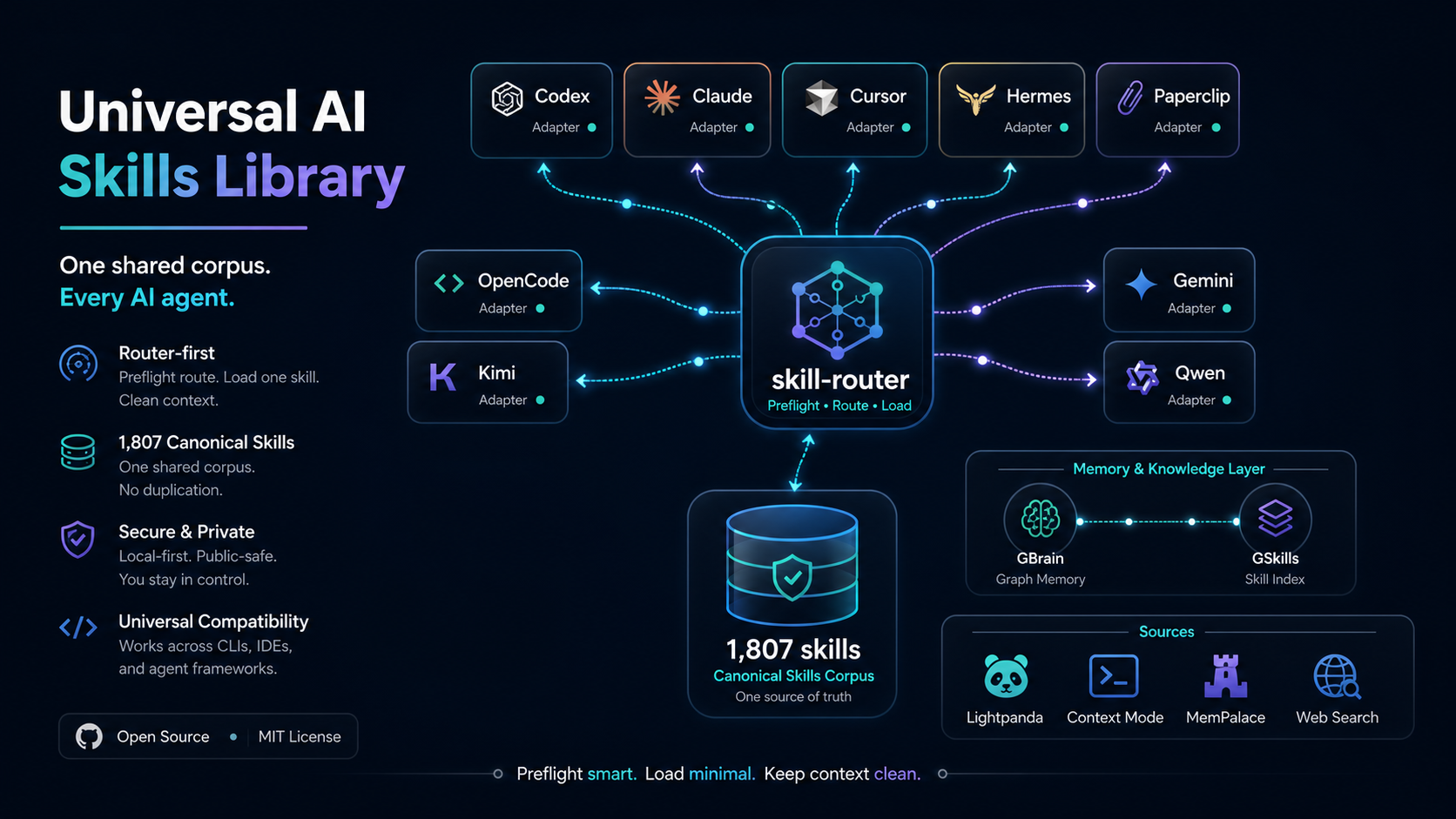
Crawl4AI Universal Adapter
Source
- Upstream repository:
https://github.com/unclecode/crawl4ai - Local source checkout:
%USERPROFILE%\.crawl4ai-source\crawl4ai - Local runtime/state root:
%USERPROFILE%\.crawl4ai - Virtual environment:
%USERPROFILE%\.crawl4ai\venv - User command shims:
%USERPROFILE%\.local\bin - Primary CLI:
crwl - Setup command:
crawl4ai-setup - Doctor command:
crawl4ai-doctor - Router delegator:
skill-router crawl4ai - Universal stack source registry:
%USERPROFILE%\.universal-ai-stack\config\source-integrations.json
Operating Model
Use Crawl4AI as a shared local CLI/Python source integration, not as copied skill bodies or a per-agent install. The universal install uses:
- one upstream source checkout for README-grounded reference,
- one dedicated Python virtual environment under
%USERPROFILE%\.crawl4ai\venv, - command shims in
%USERPROFILE%\.local\bin, - this canonical skill for routing and workflow instructions,
- compact
skill-routerwrappers in each AI client.
No persistent MCP bridge is required for normal Crawl4AI work. Use direct CLI or Python calls first.
Safety And State Boundaries
Never commit or paste:
%USERPROFILE%\.crawl4aicache, database, profiles, screenshots, HTML, extracted content, browser profile cookies, or generated crawl output,%USERPROFILE%\.crawl4ai\venv,%USERPROFILE%\.crawl4ai-source\crawl4aias vendored repo content,- API keys used for LLM extraction providers,
- private pages, authenticated crawl output, cookies, or profile state.
Respect robots.txt, site terms, auth boundaries, and rate limits. Ask before using authenticated profiles, proxies, or anti-bot/undetected workflows.
Use host-native web search for search-engine discovery. Use Crawl4AI after a target URL or crawl scope is known and the task needs deterministic page retrieval, Markdown, structured extraction, or browser/profile control.
Install And Health
Check local state:
skill-router crawl4ai status
Update source and reinstall:
skill-router crawl4ai update
Run upstream setup:
skill-router crawl4ai setup
Run the upstream health check:
skill-router crawl4ai doctor
Direct commands are also available:
crwl --help
crawl4ai-setup
crawl4ai-doctor
CLI Workflows
Basic crawl to Markdown:
crwl https://example.com -o markdown
Write output to a file:
crwl https://example.com -o markdown -O .\crawl-output.md
Return JSON for agent parsing:
crwl https://example.com -o json
Ask a question about crawled content:
crwl https://example.com -q "Extract pricing and plan names" -o json
Deep crawl a bounded site section:
crwl https://docs.crawl4ai.com --deep-crawl bfs --max-pages 10 -o markdown
Use an explicit subcommand when clarity matters:
crwl crawl https://example.com -o markdown
Profiles And Browser Control
Profiles can preserve login/session state under %USERPROFILE%\.crawl4ai.
Use them only when the user explicitly asks for authenticated crawling.
Interactive profile manager:
crwl profiles
Crawl with a saved profile:
crwl https://example.com/dashboard -p my-profile -o json
Check or stop the built-in browser:
crwl browser status
crwl browser stop
Launch a visible browser window for profile/browser work only when requested:
crwl browser view --url https://example.com
Python Workflows
Use Python when the task needs custom crawling, repeated calls, extraction strategies, hooks, or integration with another script:
import asyncio
from crawl4ai import AsyncWebCrawler

async def main():
    async with AsyncWebCrawler() as crawler:
        result = await crawler.arun(url="https://example.com")
        print(result.markdown)

asyncio.run(main())
Run Python scripts with the dedicated venv:
%USERPROFILE%\.crawl4ai\venv\Scripts\python.exe .\script.py
Router Selection Rules
Prefer this skill when the user asks for:
- Crawl4AI installation, update, setup, doctor, or debugging,
crwlCLI usage,- web page crawling or scraping into Markdown/JSON,
- LLM-ready web extraction for RAG or agents,
- bounded deep crawling,
- browser profiles or CDP control through Crawl4AI,
- Python
AsyncWebCrawlerexamples or integration.
Reject this skill for:
- generic web search or current-news lookup,
- ordinary browser automation better handled by Browser/Playwright tools,
- generic website analysis that does not need crawling/extraction,
- unrelated "crawl" language that is not web crawling.