 onfire7777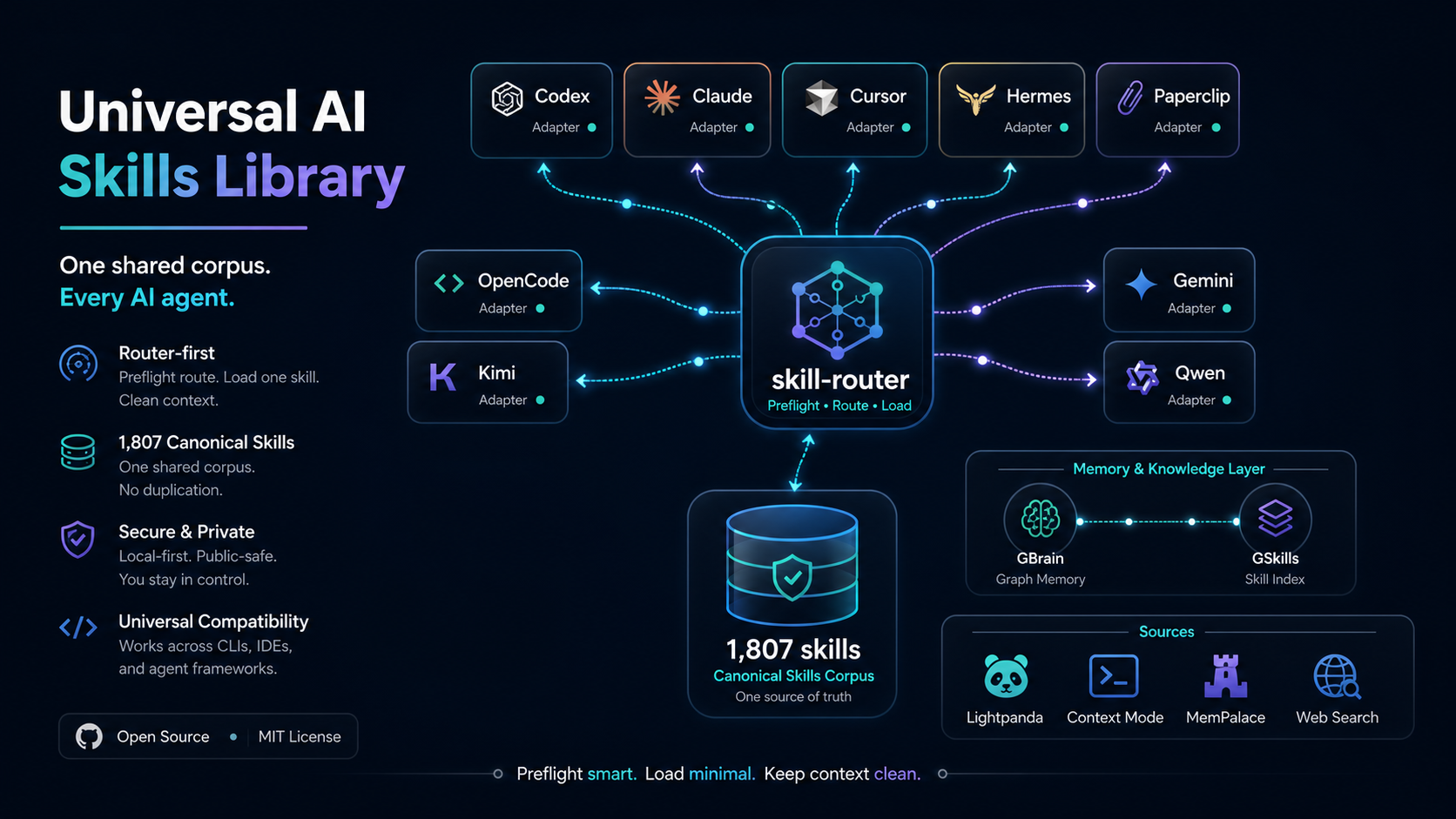
Firecrawl Universal Adapter
Source
- Upstream repository:
https://github.com/firecrawl/firecrawl - Local source checkout:
%USERPROFILE%\.firecrawl-source\firecrawl - Primary CLI package:
firecrawl-cli - Primary CLI command:
firecrawl - Optional MCP package:
firecrawl-mcp - Router delegator:
skill-router firecrawl - Universal stack source registry:
%USERPROFILE%\.universal-ai-stack\config\source-integrations.json
Operating Model
Use Firecrawl as a shared hosted web-data CLI/API integration, not as copied skill bodies or a per-agent install. The universal install uses:
- one shallow upstream source checkout for README-grounded reference,
- one global npm CLI install of
firecrawl-cli, - this canonical skill for routing and workflow instructions,
- compact
skill-routerwrappers in each AI client, - optional
firecrawl-mcponly for clients that specifically need an MCP server.
No persistent MCP bridge is required for normal Firecrawl work. Use direct CLI or SDK/API calls first.
Safety And State Boundaries
Never commit or paste:
FIRECRAWL_API_KEY,- Firecrawl account, credit, billing, or workspace details,
- local auth/session files created by
firecrawl login, - project-local
.firecrawl/caches and generated outputs, - generated scrape/crawl output from private or authenticated pages,
- browser profile data, cookies, screenshots, or downloaded private content.
Use the user's Firecrawl account only after they authenticate with
firecrawl login, firecrawl login --browser, or a local FIRECRAWL_API_KEY.
Respect robots.txt, site terms, auth boundaries, and rate limits. Ask before
using authenticated pages, proxies, high-volume crawls, or batch scraping.
Prefer host-native web search for quick current lookups when available. Use Firecrawl when the task needs Firecrawl-specific search with scraped result content, hosted scraping, structured extraction, interact actions, URL mapping, site crawling, file parsing, or Firecrawl MCP/SDK integration.
Install And Health
Check local state:
skill-router firecrawl status
Install or update the CLI:
skill-router firecrawl install
Update the source checkout and reinstall the CLI:
skill-router firecrawl update
Authenticate when needed:
firecrawl login --browser
Check account/API readiness without exposing secrets:
firecrawl --status
Show optional MCP setup notes:
skill-router firecrawl mcp-help
CLI Workflows
Search with result content:
firecrawl search "model context protocol docs" --limit 5 --pretty
Scrape a page to clean Markdown:
firecrawl scrape https://example.com --only-main-content
Scrape with structured JSON:
firecrawl scrape https://example.com --format json --schema-file .\schema.json --pretty
Map a site:
firecrawl map https://example.com --json --pretty
Crawl a bounded site section:
firecrawl crawl https://example.com/docs --limit 25 --max-depth 2 --wait --pretty
Interact after a scrape:
firecrawl scrape https://example.com
firecrawl interact "Click the pricing link and summarize the plans"
Run an agent job:
firecrawl agent "Find the pricing plans for Notion" --pretty
Parse a local file through Firecrawl:
firecrawl parse .\document.pdf --format markdown
MCP Policy
Register firecrawl-mcp only when the target AI client needs live MCP tools.
The portable config shape is:
{
  "mcpServers": {
    "firecrawl-mcp": {
      "command": "npx",
      "args": ["-y", "firecrawl-mcp"],
      "env": {
        "FIRECRAWL_API_KEY": "from the user's local secret store"
      }
    }
  }
}
Do not add this MCP server globally by default. Router-first clients should use
skill-router firecrawl ... and direct CLI calls.
When To Use This Skill
Use this skill for:
- Firecrawl CLI install, update, status, login, or diagnosis,
- Firecrawl hosted search, scrape, crawl, map, parse, interact, or agent jobs,
- Firecrawl Python/Node/cURL/API examples,
- Firecrawl MCP server configuration,
- Firecrawl source checkout or upstream README interpretation.
Reject this skill for:
- local Crawl4AI workflows; use
crawl4ai, - generic web search/current-news tasks that can use the host search tool,
- ordinary browser automation better handled by Browser, Playwright, or Lightpanda,
- unrelated "fire" or "crawl" wording that is not Firecrawl.