 onfire7777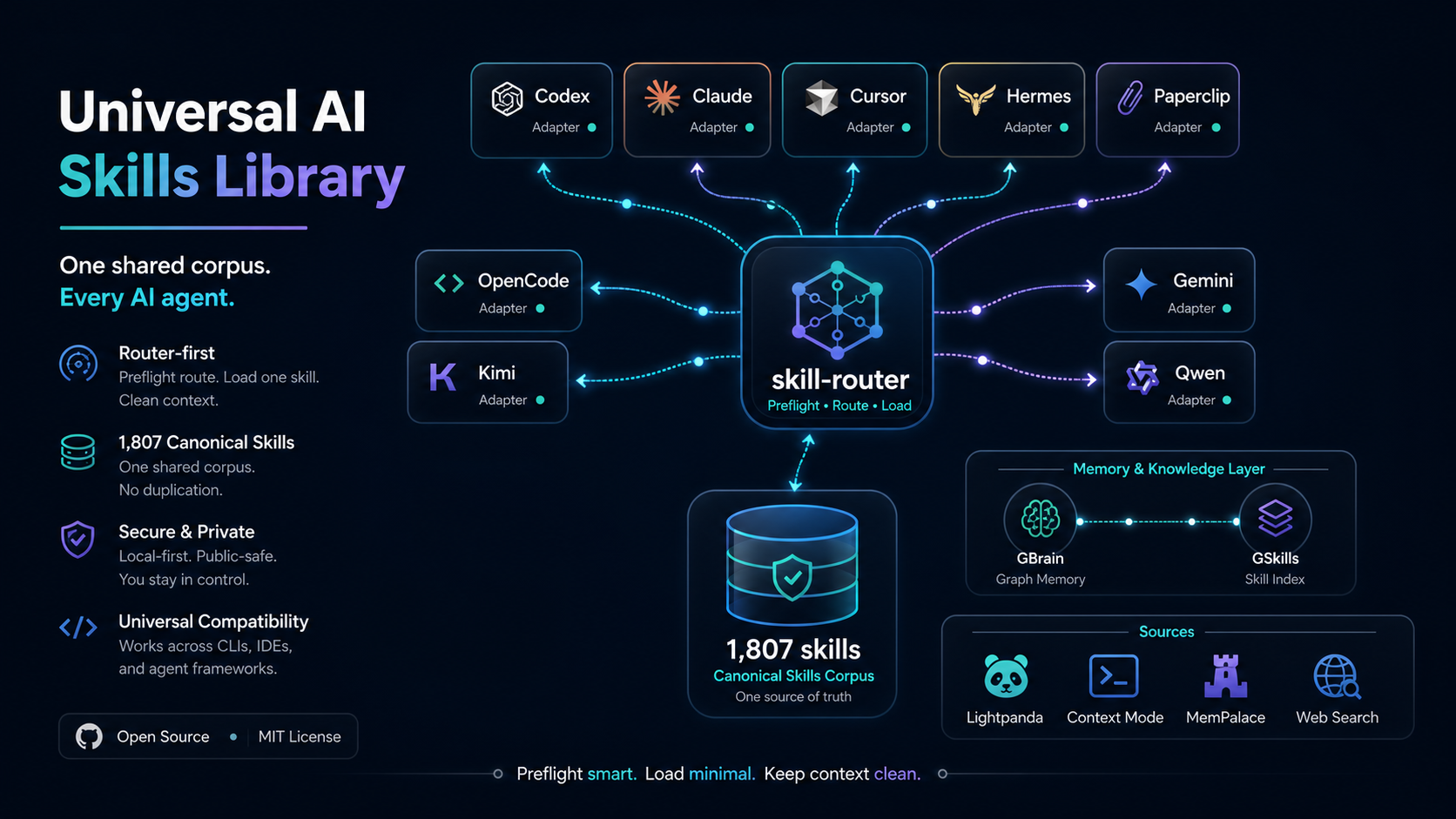
Skill Sync
Sync all skills from a GitHub repository into /home/ubuntu/skills/ with version tracking, validation, and change detection.
Quick Start
Run the sync script:
python3 /home/ubuntu/skills/skill-sync/scripts/sync_skills.py
Default repo: onfire7777/universal-ai-skills-library. The script handles everything automatically.
Commands
# Full sync (clone/pull + install/update all skills)
python3 /home/ubuntu/skills/skill-sync/scripts/sync_skills.py

# Sync from a different repo
python3 /home/ubuntu/skills/skill-sync/scripts/sync_skills.py --repo user/repo-name

# Preview changes without installing
python3 /home/ubuntu/skills/skill-sync/scripts/sync_skills.py --dry-run

# Only sync skills matching keywords
python3 /home/ubuntu/skills/skill-sync/scripts/sync_skills.py --filter "security,audit"

# Force overwrite locally modified skills
python3 /home/ubuntu/skills/skill-sync/scripts/sync_skills.py --force

# Validate all currently installed skills
python3 /home/ubuntu/skills/skill-sync/scripts/sync_skills.py --validate-only
How It Works
- Clone or pull the repo into
~/.skill-sync-cache/(usesghCLI withgit clonefallback) - Discover all directories containing a valid
SKILL.md(supports bothrepo/skill-name/andrepo/skills/skill-name/layouts) - Compare each skill's content hash against the last sync state
- Install new skills, update changed skills, skip unchanged ones
- Validate every SKILL.md has proper YAML frontmatter (
name+description) - Save state with commit hash and per-skill content hashes for next sync
Change Detection
The script tracks content hashes to avoid unnecessary overwrites:
- Source unchanged, dest unchanged - skipped (already up-to-date)
- Source changed, dest unchanged - updated from repo
- Source unchanged, dest changed - skipped (local changes preserved)
- Both changed - skipped unless
--forceis used
State File
Sync state is stored at ~/.skill-sync-cache/sync_state.json. Contains last sync timestamp, commit hash, and per-skill content hashes. Delete this file to force a full re-sync.
Configuration
Paths can be overridden via environment variables or CLI flags:
| Setting | Default | Override |
|---|---|---|
| Skills directory | /home/ubuntu/skills |
SKILL_ROUTER_SKILLS_DIR or --skills-dir |
| Cache directory | /home/ubuntu/.skill-sync-cache |
SKILL_ROUTER_SYNC_CACHE or --cache-dir |
After Syncing
Skills are immediately available to compatible AI clients after syncing. Agents route skills from the target skill root using the name and description in each SKILL.md frontmatter.