/backup — Claude Code Settings Backup
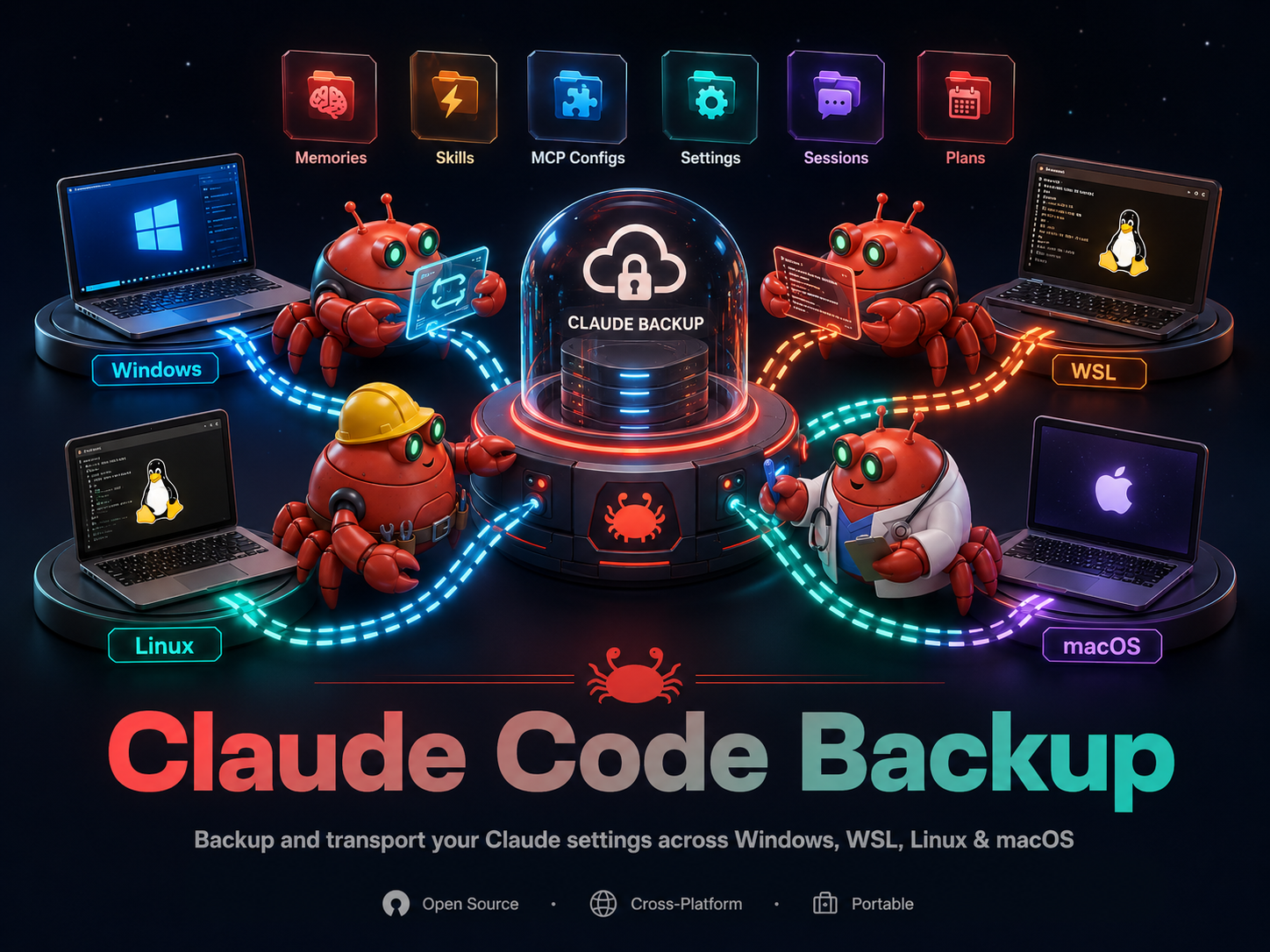
Back up all Claude Code settings to GitHub. Scans every scope (global + all projects), exports memories, skills, rules, MCP configs, settings, plans, agents, commands, sessions, and plugins. Then commits and pushes to your configured backup repo. On Windows it also backs up your WSL distros' stores as separate environments.
Usage
/backup — Run a backup now (Windows + any WSL distros)/backup init — First-time setup (create repo via gh, configure remote, install scheduler)/backup status — Show last backup time, environments, and scheduler status/backup restore — Preview restoring from backup (dry-run); add --apply to write
What it does
- Discovers environments (Windows-native + WSL distros, or a single native store)
- Scans all Claude Code customizations across every scope, per environment
- Exports 10 categories: memory, skill, mcp, config, rule, agent, command, plan, session, plugin — under
latest/<envId>/ when more than one environment exists
- Commits changes to
~/.claude-backups/ git repo and pushes to your private GitHub repo
Restore
/backup restore previews (dry-run) restoring every backed-up file to its real location on the current machine; --apply performs it. Handles new usernames, cross-OS restores (path re-encoding), and restoring into WSL from Windows.
Setup (first time only)
npx @seangsisg/claude-code-backup init
This creates ~/.claude-backups/, creates a private GitHub repo (via the gh CLI, if available) or asks for a repo URL, and installs a systemd timer (Linux), LaunchAgent (macOS), or Task Scheduler task (Windows) for automatic backups.
Requirements
- Node.js 18+
- A GitHub repo (auto-created via the
gh CLI, or provide a URL)
@seangsisg/claude-code-backup installed (npm i -g @seangsisg/claude-code-backup)
1---2name: backup3description: Backup4metadata:5 source: https://skillmd.com/skills/seangsisg/backup6---7# /backup — Claude Code Settings Backup89Back up all Claude Code settings to GitHub. Scans every scope (global + all projects), exports memories, skills, rules, MCP configs, settings, plans, agents, commands, sessions, and plugins. Then commits and pushes to your configured backup repo. On Windows it also backs up your WSL distros' stores as separate environments.1011## Usage1213- `/backup` — Run a backup now (Windows + any WSL distros)14- `/backup init` — First-time setup (create repo via `gh`, configure remote, install scheduler)15- `/backup status` — Show last backup time, environments, and scheduler status16- `/backup restore` — Preview restoring from backup (dry-run); add `--apply` to write1718## What it does19201. **Discovers** environments (Windows-native + WSL distros, or a single native store)212. **Scans** all Claude Code customizations across every scope, per environment223. **Exports** 10 categories: memory, skill, mcp, config, rule, agent, command, plan, session, plugin — under `latest/<envId>/` when more than one environment exists234. **Commits** changes to `~/.claude-backups/` git repo and **pushes** to your private GitHub repo2425## Restore2627`/backup restore` previews (dry-run) restoring every backed-up file to its real location on the current machine; `--apply` performs it. Handles new usernames, cross-OS restores (path re-encoding), and restoring into WSL from Windows.2829## Setup (first time only)3031```bash32npx @seangsisg/claude-code-backup init33```3435This creates `~/.claude-backups/`, creates a private GitHub repo (via the `gh` CLI, if available) or asks for a repo URL, and installs a systemd timer (Linux), LaunchAgent (macOS), or Task Scheduler task (Windows) for automatic backups.3637## Requirements3839- Node.js 18+40- A GitHub repo (auto-created via the `gh` CLI, or provide a URL)41- `@seangsisg/claude-code-backup` installed (`npm i -g @seangsisg/claude-code-backup`)