
Build something a person can use again
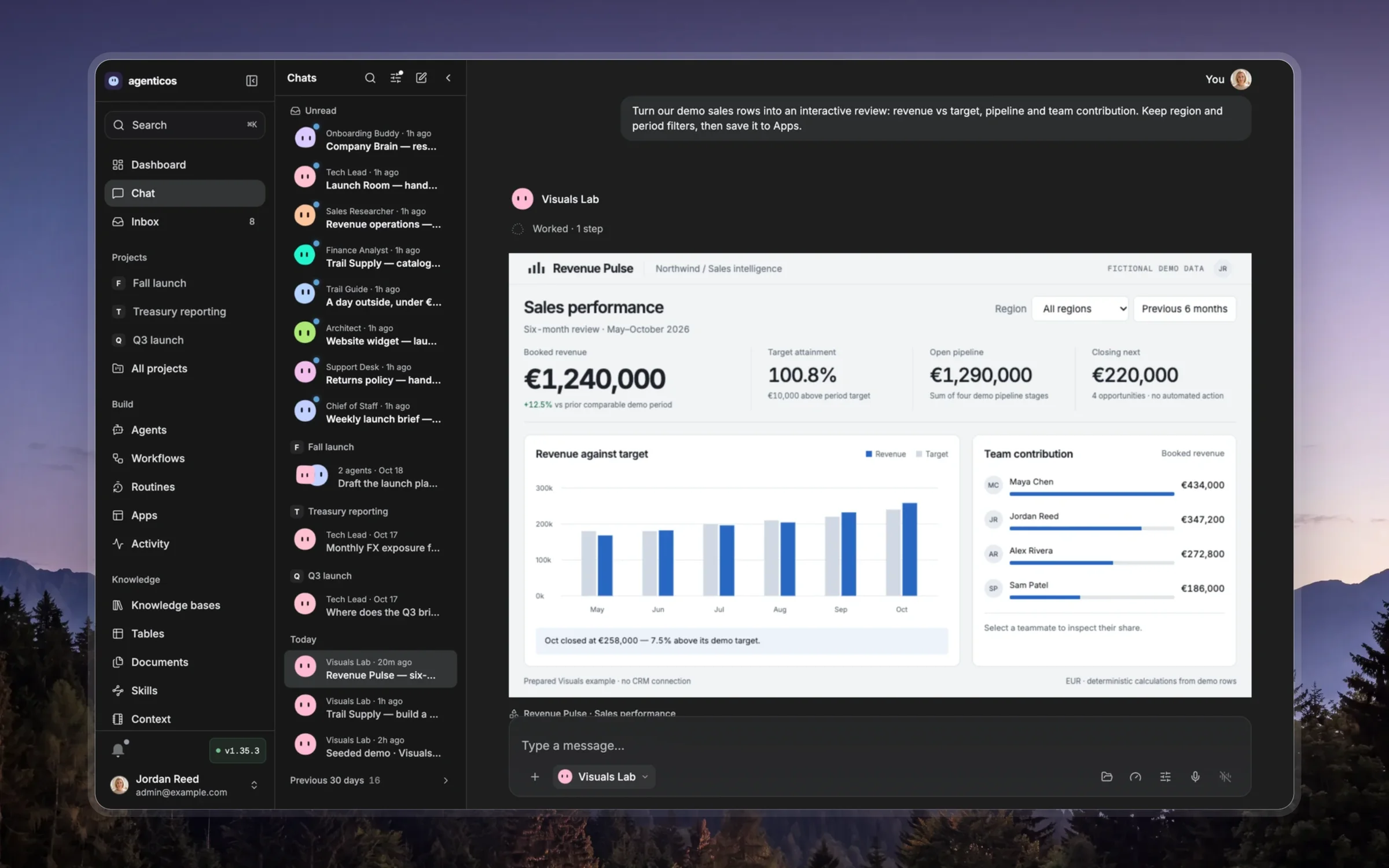
An App has a job beyond the current message: compare options, review evidence, explore a dataset, prepare a decision or track work. Identify its audience, primary action and source of truth. Reuse the relevant existing App when updating the same deliverable; preserve the user's content and edits.
Choose a composition for the actual material. An evidence brief can lead with a clear argument and annotated sources; a decision tool can place controls beside consequences; a workbench can give a selected record a detail view. Use a dashboard when simultaneous monitoring is the job. Keep supplied branding consistent. Make a few deliberate decisions about type scale, spacing and emphasis rather than adding decorative cards to every paragraph.
Give the reader a useful initial state. Every visible control must work and show what changed. Include loading, empty, error and success states where the data or action needs them. Filter and reset should be reversible; labels, keyboard focus and mobile layout should make the main action discoverable. A form that cannot submit to a supported action must explain its local-only behavior.
Current tool contracts are the runtime authority. The active publishing tool defines the supported file/input format, local libraries, data bindings and actions. Use its admitted paths and helpers; do not assume a CDN, external fetch, React build system or persistent browser storage. For live data, handle unavailable and truncated responses explicitly. Treat record text as text, not executable markup. Sharing must expose only the intended data to the intended audience.
Use sources, units, dates and uncertainty where they affect a decision. Label example data and computed assumptions. A chart needs an appropriate scale and a readable alternative; totals must reconcile with the selected subset. An exported report should remain useful without a hover tooltip.
For a requested PDF, publish the final HTML and use export_artifact when available. It uses the configured isolated renderer and saves a real PDF in the workspace; inspect its actual pages. Browser presentations need a print layout that includes every slide. Do not substitute a renamed HTML file for an export.
Read only the resource needed for this task:
references/styles-and-deliverables.md: school/play/work directions, browser presentations, real PDF deliverables and channel delivery.templates/slide-deck.html: an accessible browser presentation with keyboard navigation, overview and a complete print layout.references/ui-components.md: reusable native controls, accessible interaction states and three visual directions.templates/component-studio.html: working buttons, form controls, choice groups and a review dialog in editorial, midnight and classroom styles.references/app-design-playbook.md: layout selection, interaction states, typography and purposeful visual detail.references/runtime-and-verification.md: supported execution patterns and a publish/phone/keyboard checklist.references/design-recipes.md: existing App helpers, reports, dashboards and bound tables.templates/editorial-brief.html: a source-led brief with an evidence filter and a print layout.templates/decision-workbench.html: editable criteria, sortable options and an inspectable recommendation.templates/report.html,templates/dashboard.html,templates/live-table.html: established product-style patterns.
Render the actual published App, exercise its primary interaction and inspect phone and desktop layouts before calling it verified. Check both success and refusal/error states for real bindings or actions. Deliver the real link and explain what can be tried; report any unverified part precisely. Use the image-generation capability for a raster asset when it helps the subject, and a diagram/vector for precise relationships; preserve the exact values and labels as code-native text.