
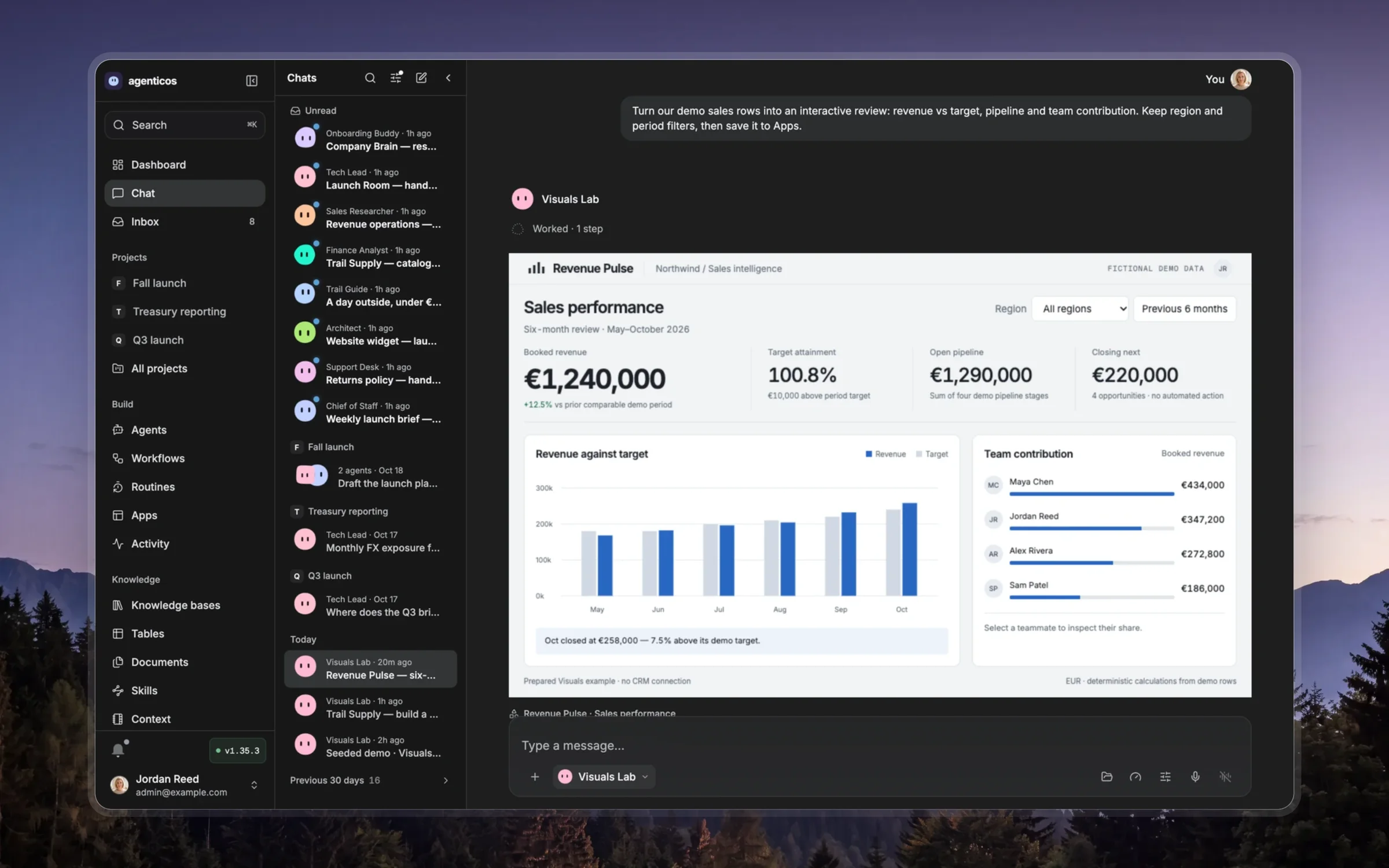
Checking a deck
Open the published deck and go through it as the audience will, slide by slide, before you say it is ready. Report what you found, in this order, and fix what is yours to fix.
1. Read the titles alone
Read only the slide titles, in order. They should state the answer and carry the argument to the ask. If they read as topics, or the answer is not in the first two slides, the deck is not ready: rewrite the titles first, the slides follow.
2. One message per slide
For each slide ask what it claims. A slide that claims two things is two slides; a slide that claims nothing goes. More than six lines of text, a paragraph, or two charts on one slide are all the same fault.
3. Every number has a source
Each figure on a slide appears in the notes or on the slide with where it came from and when. A figure you cannot trace is removed or flagged to the person, never kept because it looks right. Compare each chart against the data it was drawn from: the axes, the units, the period, and what a change is against.
4. Readable from the back of a room
Body text at 28 px or more, a table at 24 px, nothing below 20 px except a photo credit. Contrast in both the light and the dark look. No slide that only works if the reader zooms in.
5. It works as a page
Step through with the keyboard from the first slide to the last; the counter and
the address should follow. Open it at phone width and in the print dialog: one slide
per page. Language: the page's lang, the number formats and the text agree.
6. The ask
The last slide says what should happen, who does it and by when. If the deck was
for a decision, the decision is named. If it is missing, add it; do not end on
Questions?.
What to say afterwards
Say what you changed and what you could not check. If a source was missing, name the slide. Do not call a deck ready if a number is untraced.