
SkillNet
Find a useful skill, bring its complete resources into the workspace, create and evaluate reusable skills, or analyze and route a local library through the SkillNet SDK.
Choose the workflow
- Analyze and route: build a local skill graph, then select skills for a task. Read routing.md for separate model and SDK configuration.
- Find: search and return relevant candidates with URLs and tradeoffs.
- Reuse or install: inspect relevant skills already available, then search → select → download → inspect → apply when the user requested its use.
- Create: choose one source → create through SkillNet → check structure → evaluate.
- Evaluate: evaluate the requested local skill or GitHub skill URL and explain the findings in terms of what the user wants to do.
Keep the user's original task in focus. Ordinary coding and document reading do not require a SkillNet search. An explicit creation request is sufficient reason to create a skill; it need not meet an additional complexity threshold.
Runtime and configuration
Use the installed skillnet CLI (version 0.1.1+). Prefer --json for reliable paths,
URLs and error information. If the command is missing, outdated, or its interpreter
is uncertain, read setup.md. python -m skillnet_ai is an
alternative when using the Python environment that actually contains the SDK.
Search and public download need no model API key. Before creating or evaluating,
reuse the user's existing configuration. If it is missing, read setup.md and help
configure API key + model API base URL + model name once. skillnet doctor --json
shows configuration sources and missing fields without revealing keys. It makes
no network request unless explicitly asked.
Agent login and model API authentication are separate. Use an endpoint compatible with Chat Completions; do not extract credentials from an agent's login files.
Resources linked here are relative to the directory containing this SKILL.md, not the shell's working directory. Keep generated outputs in the user's workspace. For persistent skill installation and host discovery, read platforms.md.
Find and use a skill
Start with a focused keyword and a small result set:
skillnet search "pdf" --limit 5 --json
If those candidates are irrelevant, make at most one semantic query with a short description of the missing capability:
skillnet search "extract tables from scanned financial reports" --mode vector --limit 5 --json
Choose by task fit, dependencies and reported limitations. Stars and stored assessments are useful signals, not proof that the skill will work. With no useful candidate, report that briefly and continue the user's task.
Download the selected skill_url into a task-local folder, or the active host's
skill directory when the user wants it installed:
skillnet download "<skill_url>" --target-dir "./downloaded_skills" --json
Use the returned data.path; do not reconstruct paths from names or table output.
Download includes scripts, references and other files. Read SKILL.md, then inspect
only the resources and operations relevant to the task. Use the skill within the
user's authorization and the host's permissions. Loading or reading it does not
require a second approval when the user already asked for its use.
An existing destination is preserved by default. Use --overwrite only when an
update/replacement is intended. Do not silently delete an existing skill.
Create and evaluate
Tell the user that creation includes a model-based evaluation, then run:
skillnet create --prompt "A skill for checking CSV headers and reporting missing columns" --output-dir "./generated_skills" --evaluate --json
Use --no-evaluate when the user explicitly wants to skip evaluation. For repository,
document or trajectory input, read workflow-patterns.md.
The CLI uses the real SDK, checks generated structure before evaluating, and returns
paths and per-skill results. Keep SDK errors visible instead of substituting
host-written output and calling it a SkillNet result.
Evaluate an existing skill with:
skillnet evaluate "./generated_skills/example" --json
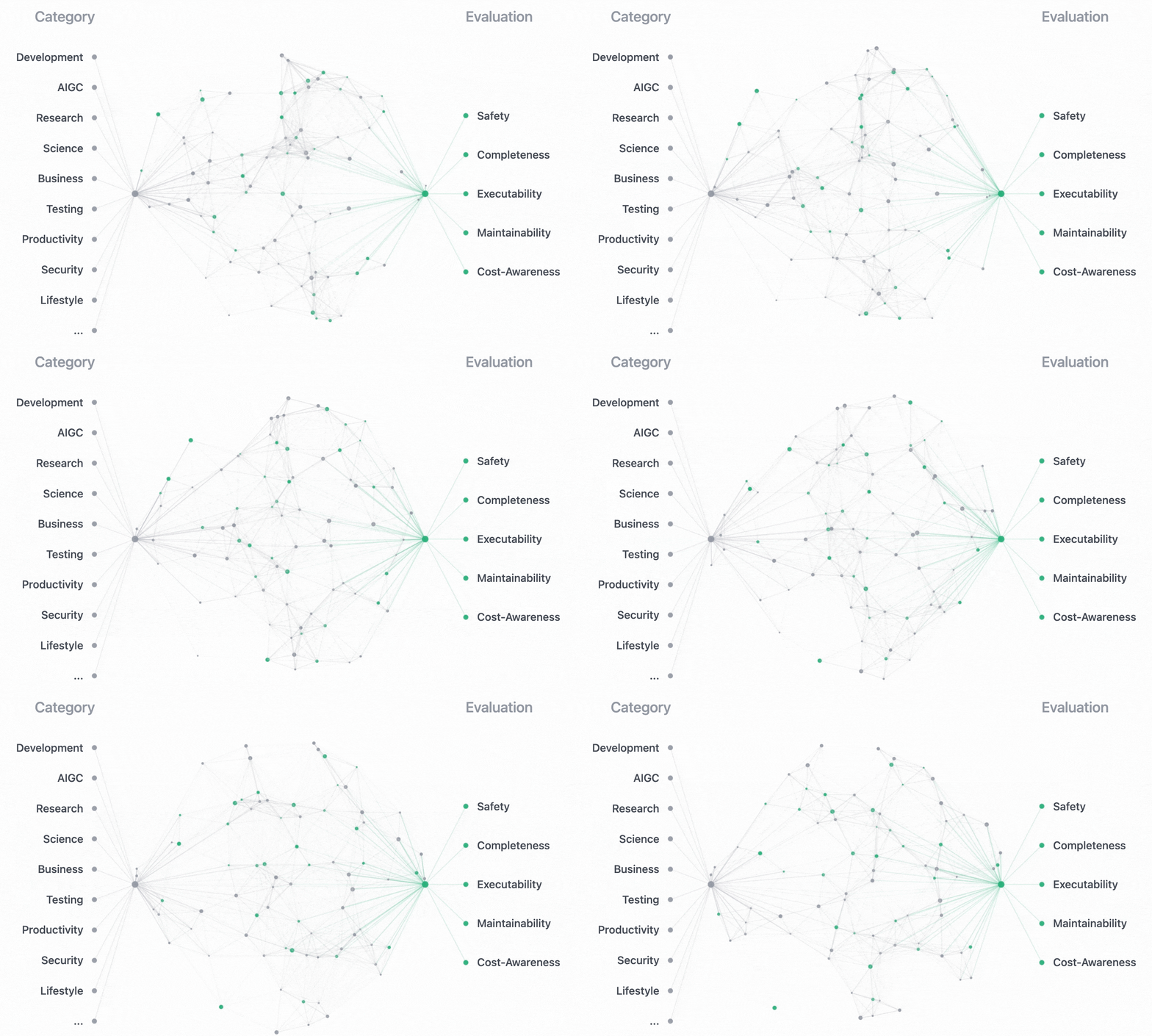
Explain the five dimensions and actionable weaknesses. Model evaluation does not execute the skill by default and does not prove the user's task succeeds. When appropriate, exercise the skill on a small representative input and inspect the actual output. Avoid automatic regeneration loops or unrequested batch evaluations.
Results and recovery
A successful command has ok: true. A failed command exits nonzero and includes an
error and, where available, partial data. If creation succeeded but evaluation
failed, preserve data.paths and retry evaluation, not creation.
Report what was found/created, its real path, any validation or quality issues, and whether it was exercised on the user's task. Distinguish downloaded files, valid structure, completed model evaluation, and verified task behavior.
Read api-reference.md for flags, output fields, provider compatibility and error recovery. Read security-privacy.md when handling private inputs, credentials or unfamiliar third-party operations.