Uloop Get Version

Get Unity and project information via uloop CLI. Use when you need to verify Unity version, check project settings (ProductName, CompanyName, Version), or troubleshoot environment issues.

hatayama Updated 598 repo stars
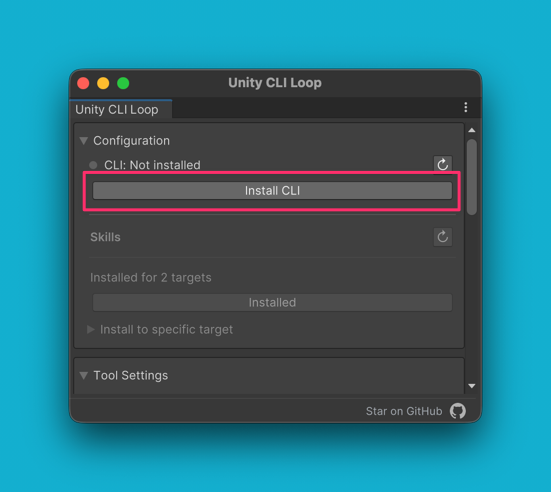
Settings window before the CLI is installed, showing the Install CLI button

File contents

uloop get-version

Get Unity version and project information.

Usage

uloop get-version

Parameters

None.

Output

Returns JSON with:

  • UnityVersion: Unity Editor version
  • Platform: Current platform
  • DataPath: Assets folder path
  • PersistentDataPath: Persistent data path
  • TemporaryCachePath: Temporary cache path
  • IsEditor: Whether running in editor
  • ProductName: Application product name
  • CompanyName: Company name
  • Version: Application version
  • Ver: Unity CLI Loop package version

hatayama/unity-cli-loop commit e73563b993

Frequently asked questions

npx get-skill add hatayama/uloop-get-version-2