
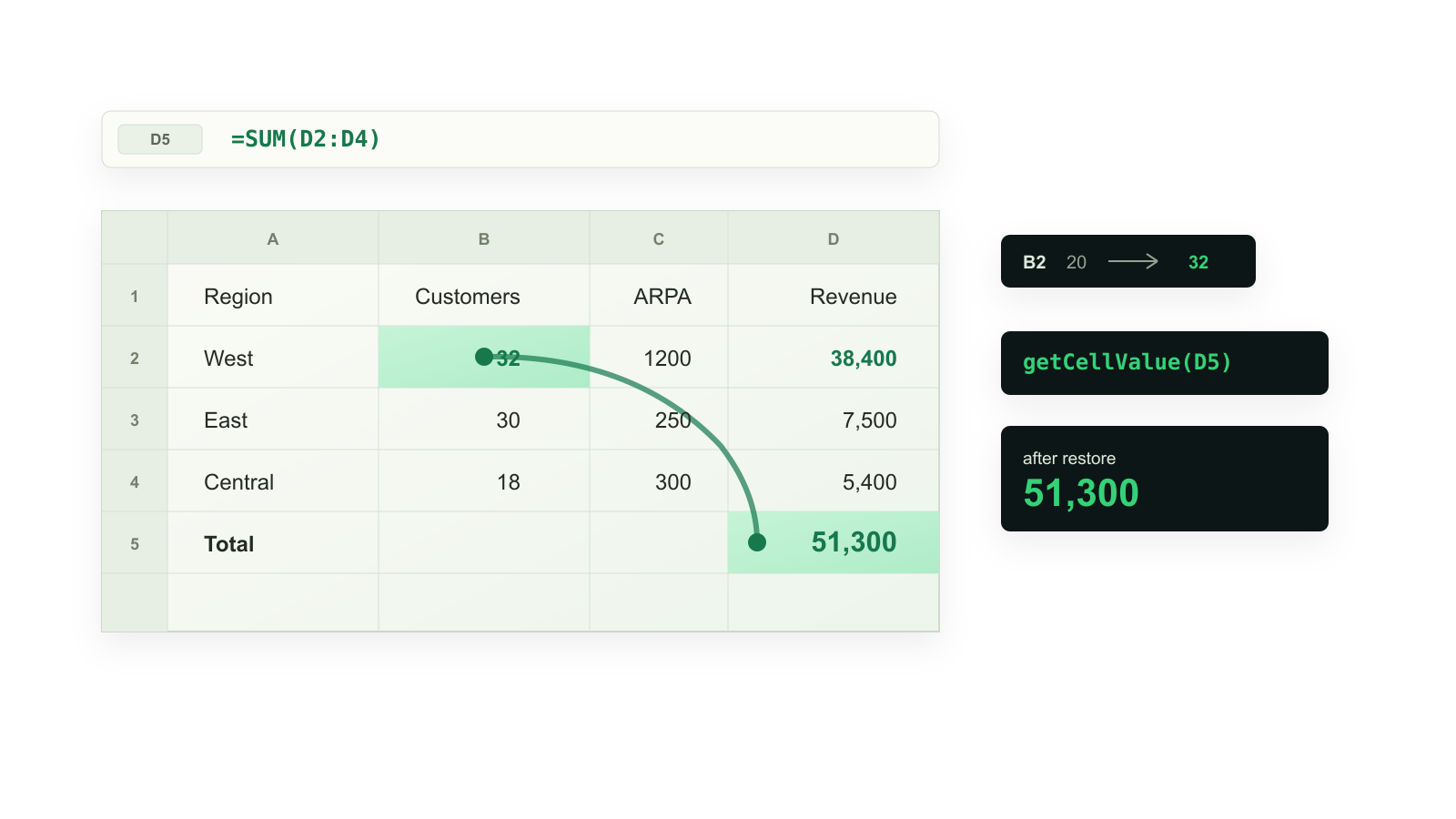
SheetJS Formula Recalculation
Use sheetjs-formula-recalc when an agent or Node.js service has changed XLSX
inputs through SheetJS / xlsx and must read recalculated formula outputs
without opening Excel, LibreOffice, or a browser.
First Check
npx --package sheetjs-formula-recalc sheetjs-recalc --demo --json
The demo should print verified: true and a Summary!B2 value of 72000.
Real Workbook
npx --package sheetjs-formula-recalc sheetjs-recalc workbook.xlsx \
  --set Inputs!B2=48 \
  --read Summary!B7 \
  --out workbook.recalculated.xlsx \
  --json
TypeScript
import { recalculateSheetjsWorkbook } from 'sheetjs-formula-recalc'

const result = recalculateSheetjsWorkbook(inputXlsxBytes, {
  edits: [{ target: 'Inputs!B2', value: 48 }],
  reads: ['Summary!B7'],
})
Use xlsx-formula-recalc when the caller does not care about SheetJS naming,
and use exceljs-formula-recalc when the caller owns an ExcelJS Workbook
object and wants read results patched back into that object.